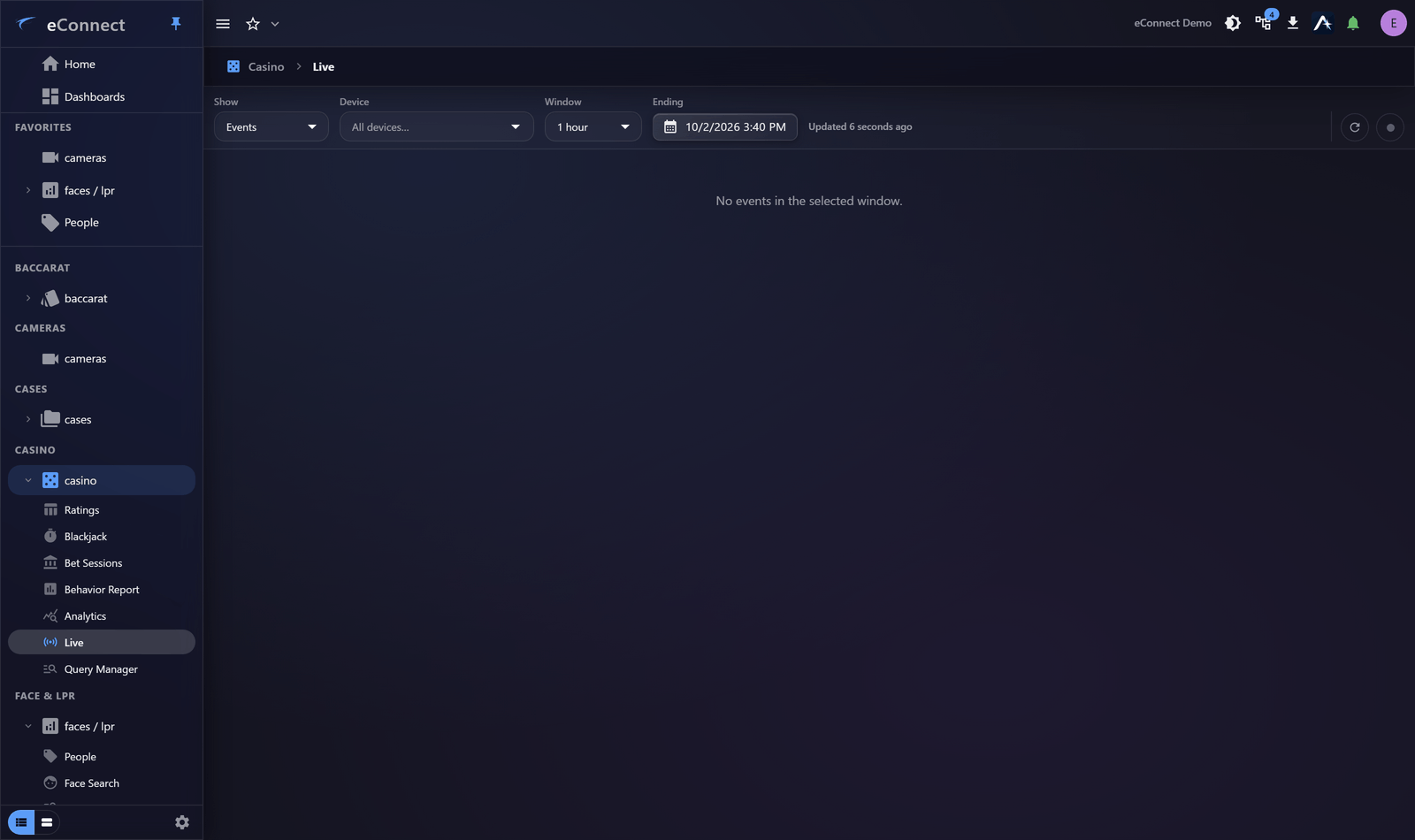
Live Events
The live stream shows casino events as they happen, per device and domain.
What it is for
Awareness of the floor in real time. Where Gaming Floor shows state, this shows the stream — the sequence of things occurring.
Together they suit a supervisor's screen: one tells you how the floor stands, the other tells you what is happening on it.
Filtering
Filter by device and by domain so the stream carries what the person watching is responsible for. An unfiltered stream on a busy floor scrolls faster than anyone can read and becomes wallpaper.
Be deliberate: a stream nobody reads is worse than no stream, because it occupies a screen and creates the impression of oversight.
Live stream or alerts?
An important distinction, and getting it wrong is common.
| Live events | Alerts | |
|---|---|---|
| Purpose | Awareness | Demanding a decision |
| Recorded as seen | No | Yes — acknowledged or ignored |
| Suitable for | Watching a floor | Anything needing action |
An event scrolling past is not a record that anybody saw it. If something requires action, it needs to be an alert.
Following an event
Events lead to the records behind them — the table, the rating, the session — and from there to the video. Each step is captured in your Workspace.
This action is recorded in the audit trail.
On a dashboard
For a permanent display, an Event History widget pointed at a tight query is usually better than the full stream: it refreshes itself, needs no interaction, and shows only what matters.
Requirements
The live stream depends on the corresponding capability being enabled for your installation.
Audit record
What eConnect writes to the audit trail for the actions on this page.
CAMERA '{camera name}' PLAYBACK @ '{local start time}'