Alerts
An alert is eConnect telling you something happened that you asked to be told about — a tagged subject detected, a watched plate seen, a rule you configured firing.
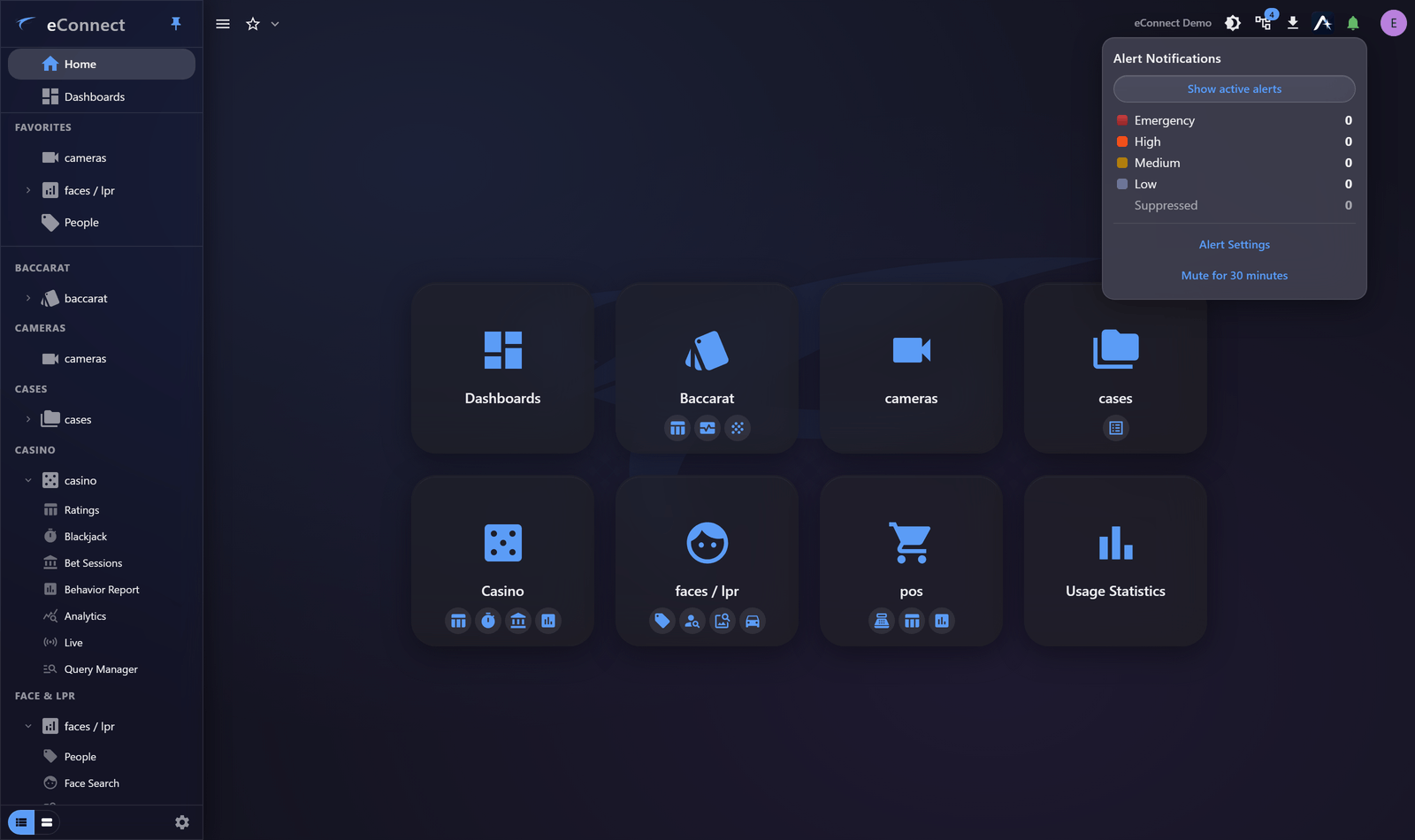
In version 11 alerts reach the desktop client, the browser and detached pop-out windows through one engine, so wherever you are working, alerts find you.
Where alerts come from
Alerts are raised by rules configured in the modules that generate them, most commonly:
| Source | Typical trigger |
|---|---|
| Faces | A tagged subject is detected — see Face Tags |
| Plates | A tagged plate is read — see Plate Tags |
| Casino | A threshold or condition on table activity |
The tag is usually the thing that matters: tagging a subject Banned is what turns a detection into an alert. Configuring what raises alerts belongs with the module, not here.
What an alert shows you
An alert card carries the evidence, not just a notice:
- The detected image and, where the alert is a recognition match, the reference image beside it for comparison
- Who or what was detected, with any tags
- Which detector saw it, and when
- Controls to act
Recognition alerts show a similarity indication so you can judge the match before acting. A match is a candidate for a person to confirm, not a determination.
What you do with one
| Action | Meaning |
|---|---|
| Acknowledge | You have seen it and taken responsibility for it |
| Ignore | Not of interest; close it without acting |
| Review data | Open the record behind the alert |
| Instant review / follow | Jump to the cameras and follow the subject |
Acknowledging and ignoring are both recorded, and they mean different things in a later review — so choose the one that reflects what you actually decided. See Acknowledging and Ignoring.
When you cannot deal with them right now
Alerts can be muted for a period or indefinitely, which suppresses the interruption without turning the feature off. See Muting Alerts.
Per-user preferences decide whether alerts pop up at all, whether they make a sound, and whether Auto-Follow engages — worth setting up properly rather than living with the defaults. See Alert Preferences.
Where to go next
- The Alert Tray and Bell — where alerts appear
- Acknowledging and Ignoring — closing an alert, and what it records
- Auto-Follow — letting cameras track a subject for you
- Muting Alerts — getting some quiet
- Alert Preferences — how alerts behave for you