Dashboards
A dashboard is a set of widgets on a grid, each answering a question you would otherwise ask repeatedly. Open it and the answers are current.
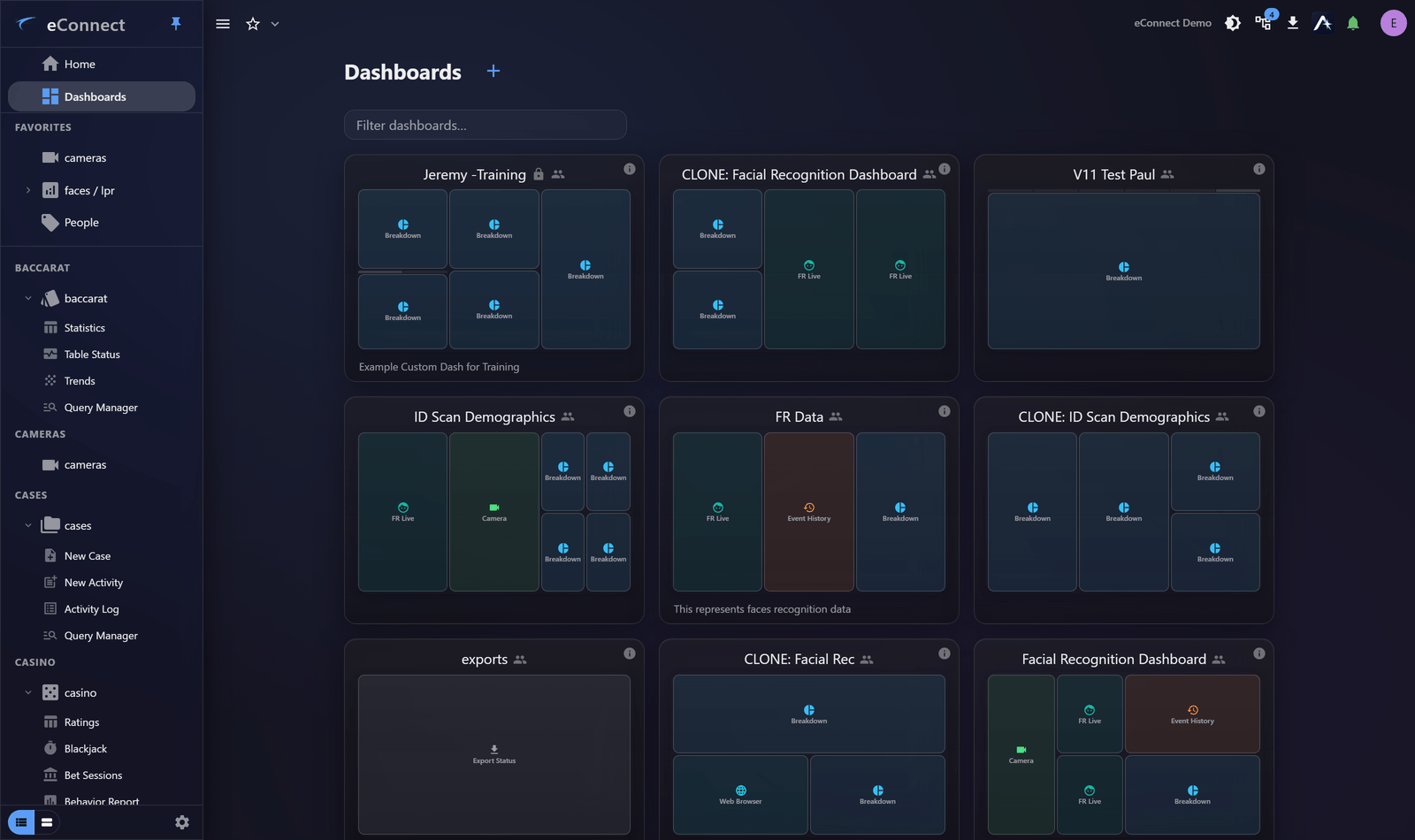
What dashboards are for
Three jobs, and it is worth knowing which one you are doing:
- Monitoring. A screen somebody glances at — live detections, alerts, camera views. Usually on a wall or second monitor.
- Routine questions. The figures you check at the start of a shift, assembled so you do not rebuild them daily.
- A shared picture. One view of what matters that a team agrees on, rather than everyone keeping their own numbers.
A dashboard is a poor fit for exploring. For that, query and aggregate — then put what you found on a dashboard once it becomes something you check.
What goes on one
| Widget | Shows |
|---|---|
| Graph | A saved query charted over time |
| Event History | A live list of recent events |
| Breakdown | Proportional totals across a field |
| Camera | Live or playback video |
| Export Status | Media exports and their downloads |
| FR Live / LPR Live | Face and plate detections as they arrive |
| Ace Chart | A chart pinned from the assistant |
| AI Usage | One AI usage metric with its trend |
Which are available depends on your licensed modules and permissions, so your list may be shorter than this one.
Most widgets need a saved query
The data widgets draw on saved queries. Build and check the query first, then point a widget at it — a widget can only be as good as the query behind it, and debugging a query through a widget is needlessly hard.
Who sees what
Dashboards can be private to you or shared with others. A shared dashboard is still bounded by each viewer's permissions: someone who cannot see a module sees nothing in a widget drawing on it.
Sharing a dashboard does not widen access. See Sharing, Locking and Importing.
Getting started
- Create a dashboard
- Add and arrange widgets
- Share it, and lock the layout once it is right
Audit record
What eConnect writes to the audit trail for the actions on this page.
DASHBOARD '{name}' OPENED
DASHBOARD CONFIGURE WIDGET '{name}' SAVEDDASHBOARD CONFIGURE '{dashboard name}' REMOVED WIDGET '{name}'