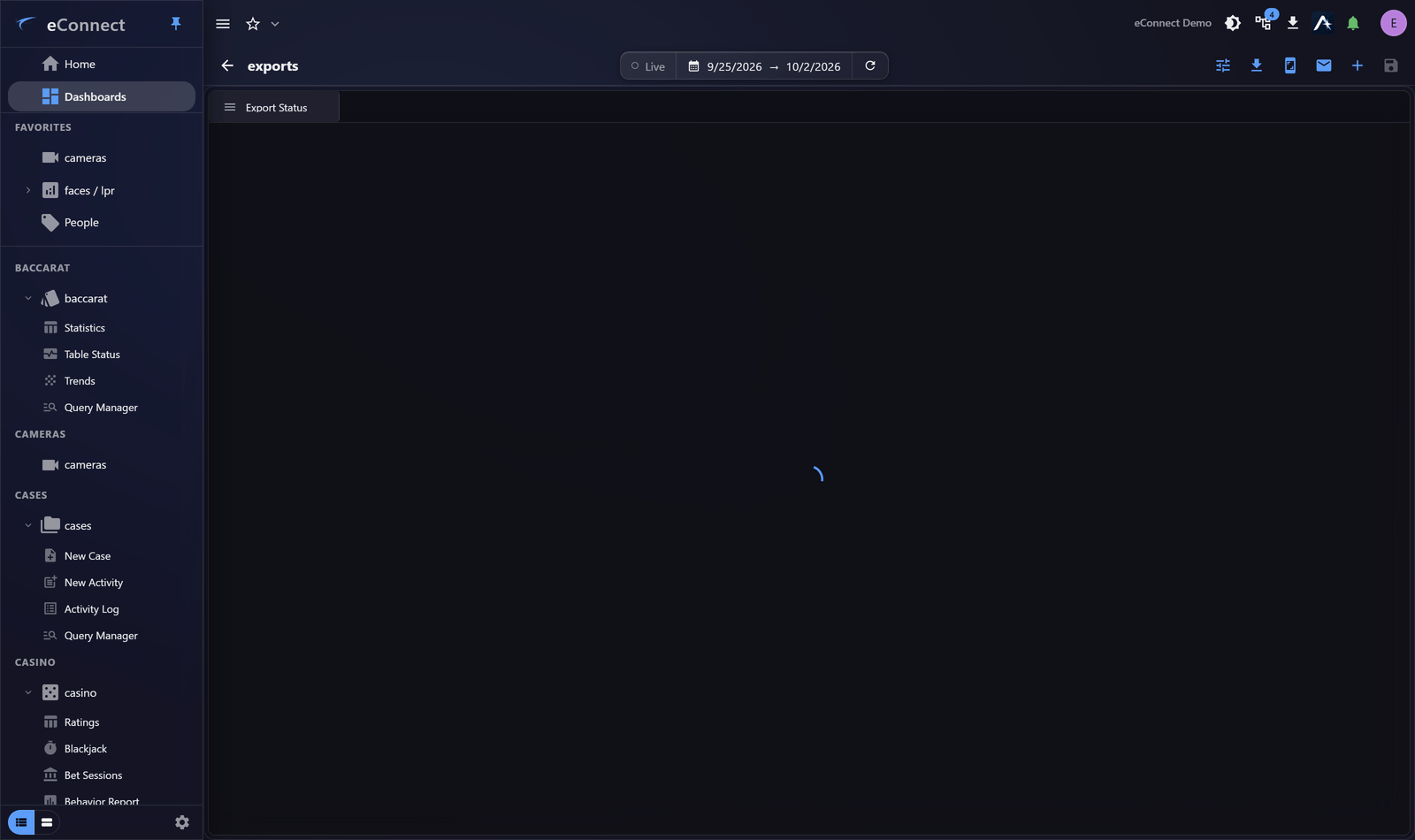
Export Status Widget
Export Status tracks video exports and lets you download the finished files without leaving the dashboard.
Why it is worth a widget
Video export is not instant — a clip is assembled by the recorder and can take minutes. Without somewhere to watch, people either sit on the export page or forget the request entirely and re-submit it.
The widget solves that: request the export, carry on working, and collect it when it appears.
What it shows
Each export in progress or recently completed, with its state and, once ready, a download control.
Downloading
Take the download from the widget when the export completes. The file goes wherever your browser or the desktop client saves downloads.
This action is recorded in the audit trail.
Downloading is recorded because the file leaves eConnect at that point — which is the moment that matters for a later review, rather than when the export was requested.
Where to put it
This widget earns a small space on a dashboard people already have open, rather than a dashboard of its own. Somewhere in the corner of the one you work from is right — you want to notice completion, not stare at progress.
Exports still need to be requested
The widget tracks exports; it does not create them. Requesting one happens where the video is — see Exporting Video.
Failed exports
An export that fails shows as failed rather than disappearing. Retry it from the export controls; where a failure repeats, the cause is usually the recorder or the requested period rather than eConnect. See Export Status and Downloads.
Handling exported footage
An exported clip is outside eConnect once downloaded, and outside its permission system. Treat it as evidence: keep it where your organisation keeps evidence, and attach it to a case rather than leaving it in a downloads folder.
Audit record
What eConnect writes to the audit trail for the actions on this page.
VIDEO EXPORT '{name}' DOWNLOADEDVIDEO EXPORT '{title}' DOWNLOADED
DASHBOARD CONFIGURE WIDGET '{name}' SAVED