Administration
Running eConnect comes down to four things: who can sign in, what they may do, what they may see, and what was actually done. This chapter covers all four.
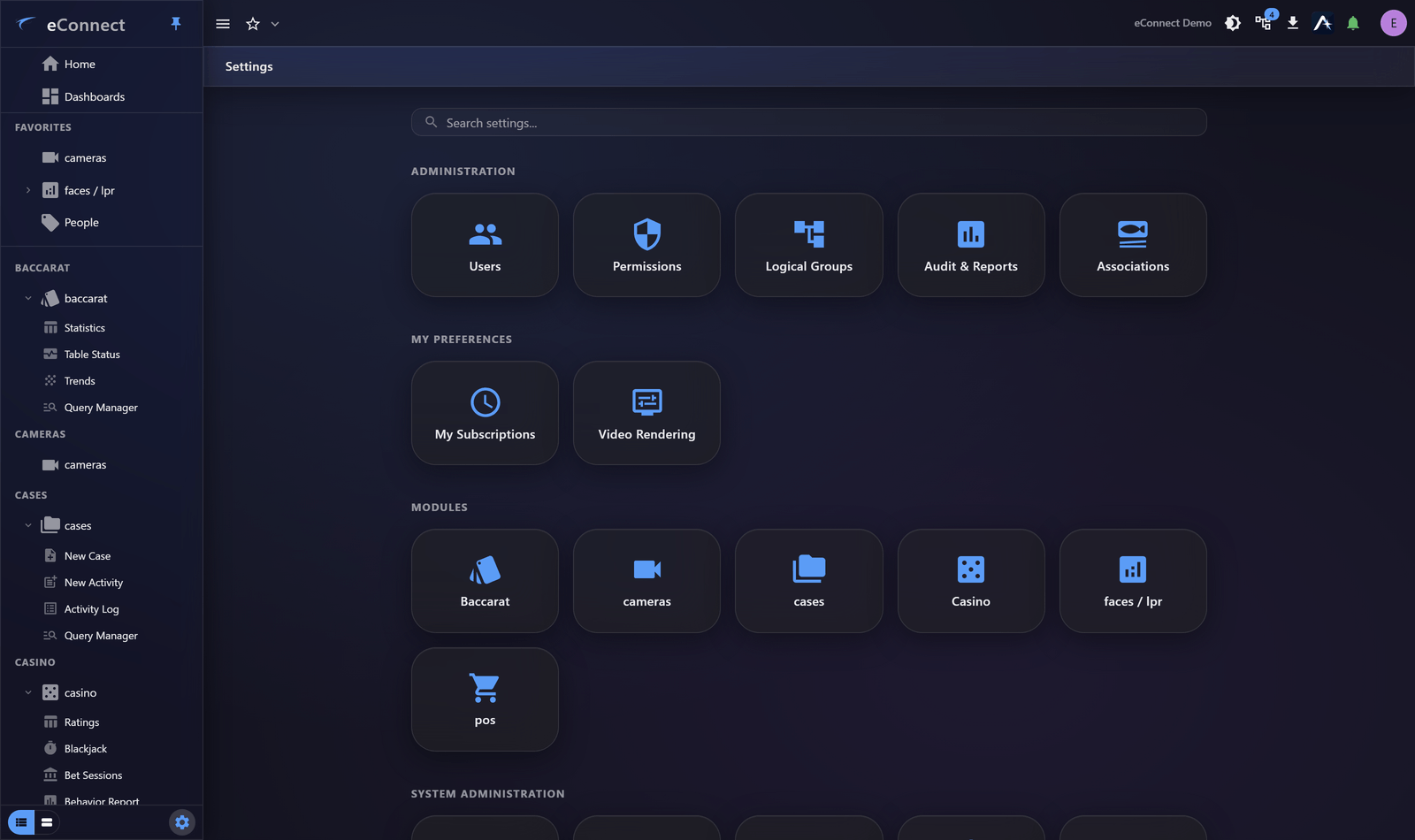
The four questions
| Question | Where |
|---|---|
| Who can sign in? | Users |
| What may they do? | Permissions |
| What may they see? | Logical Groups |
| What was done? | Audit |
Permissions and logical groups are different axes and are frequently confused. Permissions control actions — may this person delete a subject? Logical groups control scope — which cameras and locations does this person's data cover? Someone can have permission to do something and still see nothing, because their logical group covers nothing.
Setting someone up
The usual order, each step linking to its page:
- Create the user
- Assign a permission group
- Add them to a logical group if their view should be narrowed
- Check the result by looking at their session history after they sign in
System settings
Configuration affecting everybody:
| Alert Settings | Acknowledgement rules and alert behaviour |
| The mail relay eConnect sends through | |
| Security Policy | Session timeout, password rules, lockout |
| Tenants and Resellers | Separating customers |
| AI Configuration | Providers, models, token allowances |
Proving it
eConnect records what people do, and the record is designed to be usable rather than merely present:
- What eConnect Audits — the shape of the record
- Reading the Audit Trail — finding an action, person or period
- The Security and Access Report — a point-in-time PDF for access reviews
- Audit Catalog — every audited action and its exact wording
Two principles worth holding to
Grant the narrowest thing that works. Permission groups make it easy to give someone everything; resist it. A person who cannot delete cannot delete by accident.
Review periodically. Access accumulates as people change roles and nobody removes what they no longer need. The Security and Access report exists to make that review a scheduled task rather than a project.
Other administration
- Associations — linking modules so a record in one reaches the other
- Subscriptions and Scheduled Reports — reports that deliver themselves
- The Settings Area — how settings are organised, and why you may not see every tile