Subscriptions and Scheduled Reports
A subscription produces a report on a schedule and delivers it, with nobody involved. It is under Settings ▸ My Preferences ▸ My Subscriptions, because subscriptions belong to the person who creates them.
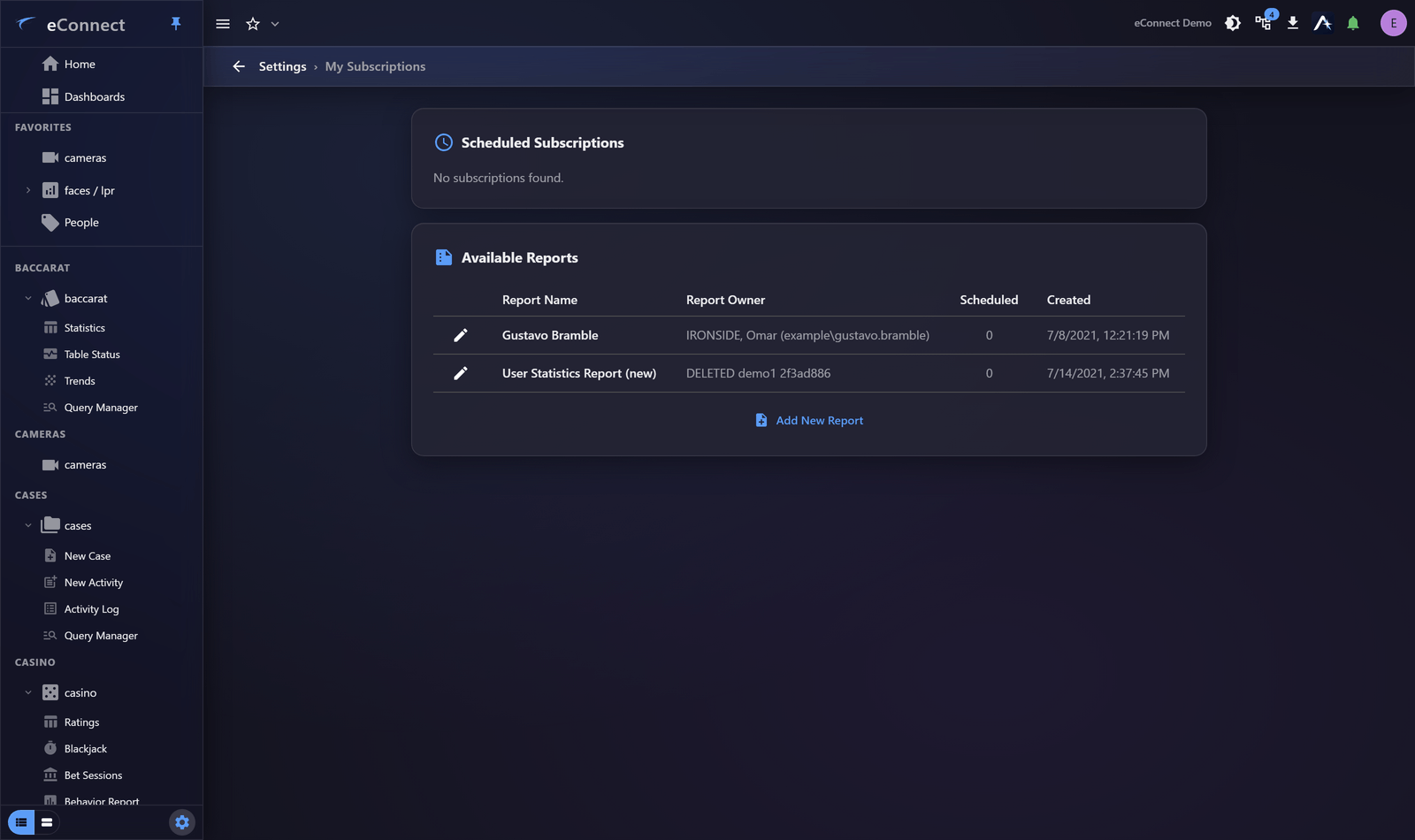
What a subscription is
Three things: what to produce, when to produce it, and who to send it to.
Anything you would otherwise run to a routine is a candidate — the Monday morning figures, the nightly exception list, the quarterly access review.
Setting one up
- Choose the report or query it should run.
- Set the schedule.
- Set the recipients.
- Save, and check the first delivery actually arrives.
Step 4 is worth doing properly. A subscription that fails silently is worse than no subscription, because people stop looking for the information themselves.
Scheduling
Schedules are built from the usual components — time of day, days of the week, day of the month — so "every weekday at 07:00" and "the first of each month" are both straightforward.
Two things to get right:
- Send it when it will be read. A report arriving at 03:00 is at the bottom of an inbox by the time anyone looks. Just before a shift starts is better.
- Allow for the data being complete. A "yesterday" report at 00:05 may run before the last of yesterday's data has settled.
A range of your own
Beyond the usual presets, a subscription takes a Report Range in days and an Hour Offset, so a report can cover "the last 3 days up to 6am" rather than whole calendar days. That is what makes a shift-aligned report possible on a property whose day does not start at midnight.
Use a relative period
The commonest mistake. A report whose query has a fixed date range will send the same historical period every time, forever, and it looks perfectly normal.
Use a relative period — the last 24 hours, the last 7 days — so the report keeps meaning "recently". See Date and Time Ranges.
Recipients see everything in it
A delivered report is a document and leaves eConnect's permission system entirely. Whoever receives it can read all of it, regardless of what they could see in the application.
Two consequences worth weighing before adding recipients:
- The report contains what you can see, so a recipient with narrower access gets more than they would otherwise.
- Reports containing personal data bring your organisation's data-protection obligations into play, including where the report ends up after delivery.
Send to the fewest people who need it, and prefer a distribution list your organisation already manages over a hand-maintained list here.
Delivery depends on email
Subscriptions deliver by email, so they depend on the mail relay being correctly configured — see Email. If reports stop arriving, check that before the subscription itself.
Recipient addresses must also be right; a mistyped address fails silently.
Managing them
Subscriptions can be edited, paused and deleted. Review them periodically: they outlive the reason they were created, and a report nobody reads still contains data being emailed around.
When someone leaves, check whether they owned subscriptions delivering to a team — disabling their account does not necessarily stop reports being produced.
What is recorded
Creating, updating, deleting and executing subscription jobs and schedules is audited — types 1100 to 1106. See the Audit Catalog for the full list, and Reading the Audit Trail for how to find them.