Reading the Audit Trail
The trail is read from two places, depending on the question you are asking.
| Question | Where |
|---|---|
| What did this person do? | Session History on their user record |
| Who did this, across everybody? | Usage Statistics |
| Who can do what, as a document? | The Security and Access Report |
Starting from a person
Most investigations start with somebody. Find them in the user list and open Session History — every sign-in, how long they stayed, how the session ended, and the audited actions within it.
This is the fastest route when you have a name, which you usually do.
Starting from an action or a period
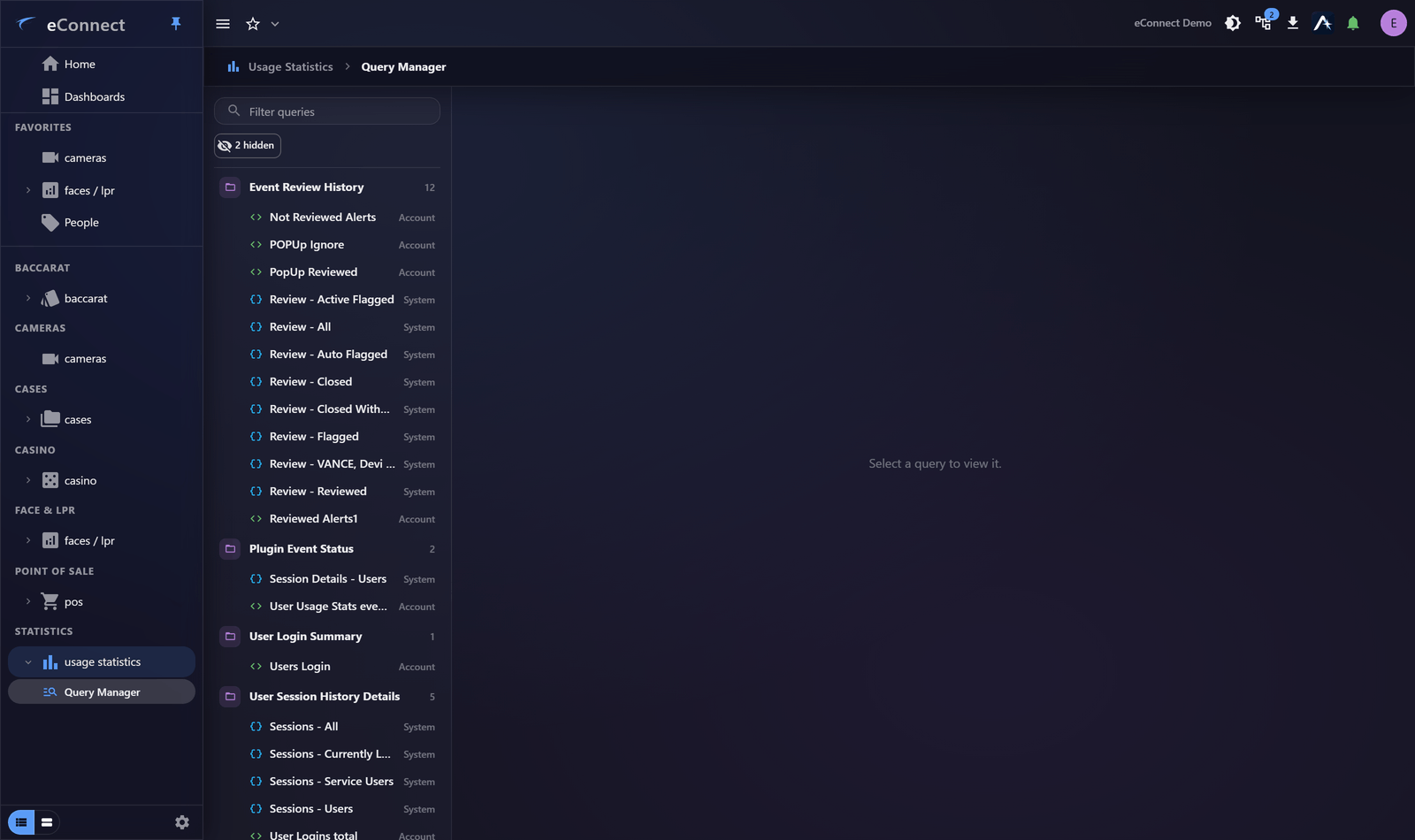
When the question is "who did this?" rather than "what did they do?", the Usage Statistics module queries the same records across all users, with the full query builder behind it — so you can filter by action type, period and user, and aggregate to find patterns.
Knowing what to search for
This is where the Audit Catalog earns its place. Descriptions follow a fixed form, so searching is precise once you know the wording:
| Looking for | Search on |
|---|---|
| Camera viewing | CAMERA ' |
| A specific camera | CAMERA 'North Entrance' |
| Alerts ignored | ALERT IGNORED |
| Periods of muting | ALERTS MUTED |
| Query exports | QUERY EXPORT |
| Face searches | SEARCHED FOR FACE |
Check the catalog before searching rather than guessing at phrasing — it lists the exact template each action writes.
Reading time correctly
Timestamps display in the time zone on your profile, while the records store real instants.
When comparing an eConnect record against an external one — a door system, a till, a statement — confirm which zone each is quoting. This is a common and consequential source of confusion, particularly around shift boundaries and midnight.
Duration tells you more than access
Several actions record how long something was looked at, not merely that it was opened:
This action is recorded in the audit trail.
That distinction matters. "Opened the camera" and "watched it for twelve minutes" answer different questions, and only the second supports a claim that footage was actually reviewed.
What the trail can and cannot establish
It can establish that an account performed an action, when, from where, and — for some actions — for how long.
It cannot establish that a particular person was at the keyboard. Shared credentials and unattended signed-in workstations both undermine attribution, which is the practical reason to discourage Save Password and Auto Login on shared machines. See Signing In.
Absence of evidence
If an action is not in the trail, check the Audit Catalog before concluding it did not happen. Some things are recorded by the server rather than the client, and some reads are not audited at all — the catalog says which.
For a formal record
For an access review, an audit or anything that needs filing, use The Security and Access Report. It produces a point-in-time PDF rather than a screen you would have to screenshot.
Audit record
What eConnect writes to the audit trail for the actions on this page.
CAMERA '{camera name}' REVIEWED FOR {elapsed}