The User List
Settings ▸ Administration ▸ Users lists everyone who can sign in. Select someone to see and edit their record.
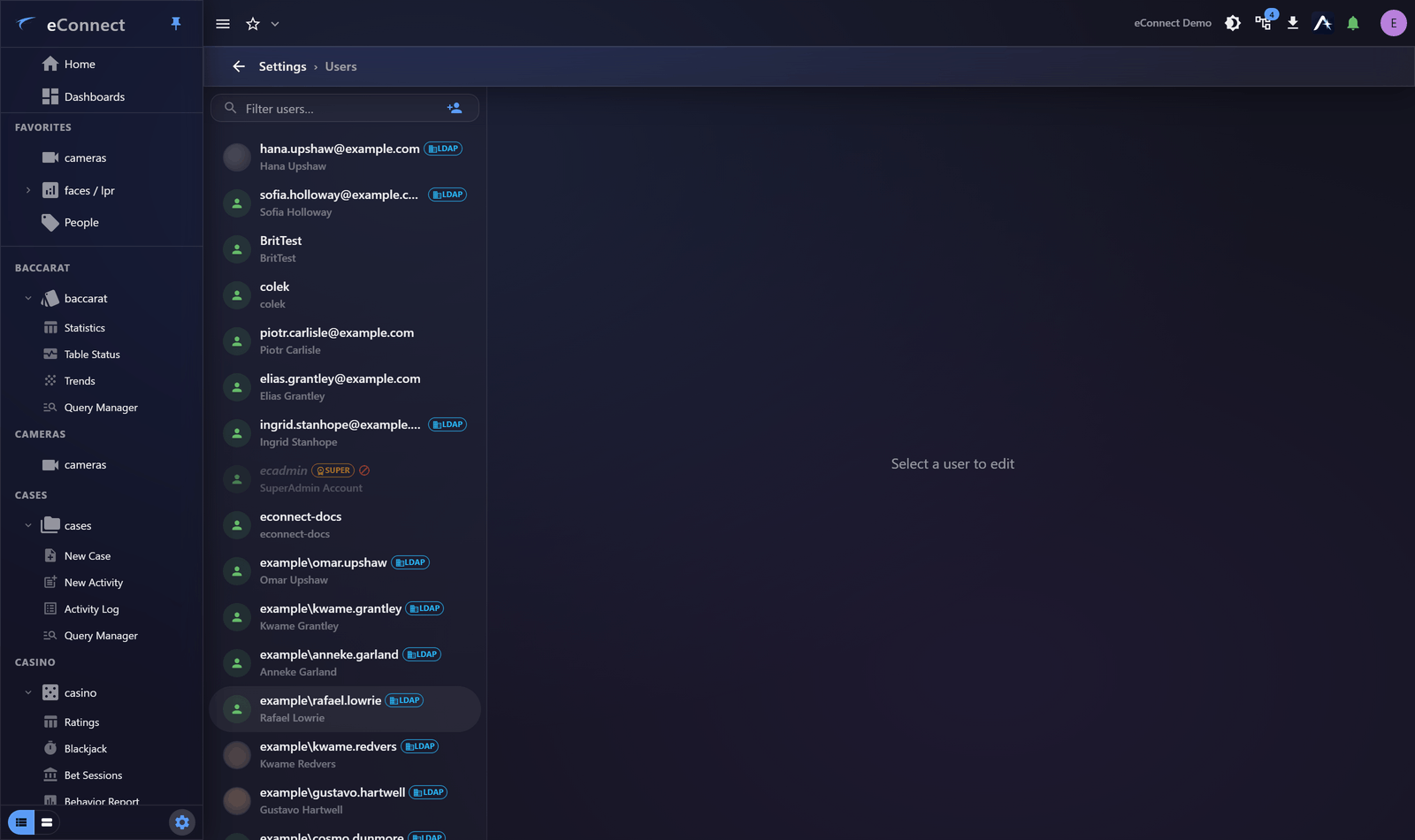
Finding someone
Filter users… matches on username and display name. On a system with hundreds of accounts this is the only practical way in.
Each row shows the sign-in name with the person's display name beneath it. Accounts authenticated against a directory service are marked, which distinguishes them from accounts eConnect holds passwords for.
What a user record contains
Selecting someone opens their record, divided into sections:
| Section | Covers |
|---|---|
| Account | Username, password, whether the account can sign in — see Account and Credentials |
| Personal Information | Name and contact details — see Personal Info and Access IDs |
| Security | Access ID and related identifiers |
| Permissions | Which permission groups are assigned — see Assigning Groups |
| Preferences | Time zone, clock format and defaults — see Preferences and Notifications |
| Notifications | Email and SMS alert delivery |
| Session History | Every sign-in and action — see Session History |
Enabling and disabling
Account enabled / Account disabled controls whether someone can sign in, without deleting anything.
Disabling is almost always the right response to somebody leaving. It stops access immediately while keeping their history intact and attributable — the audit trail still names them for everything they did, which deleting the account would compromise.
Disable when: someone leaves, is suspended, or is on extended absence.
Deleting
Delete User removes the account. Use it only for accounts created in error.
For anyone who has actually used eConnect, disable rather than delete. Their name appears throughout the audit record, on cases they worked, on queries they saved and dashboards they built, and removing the account degrades all of it.
Service accounts
An account can be marked Service user — an account for an integration rather than a person.
Marking them correctly matters for review: service accounts behave nothing like human ones, and a Security and Access report can include or exclude them so an access review is about people.
Adding
Add user creates an account. See Creating a User.
What is recorded
Creating, changing and deleting user accounts is audited under the user administration type, so a change to somebody's access can be traced to who made it. See Reading the Audit Trail.