Account and Credentials
The Account section of a user record holds how somebody signs in and whether they currently can.
The fields
| Field | Purpose |
|---|---|
| Username | The sign-in name |
| Password / Confirm Password | Set or reset the password eConnect holds |
| Account enabled / disabled | Whether this account may sign in at all |
| Service user | Marks the account as belonging to an integration, not a person |
Directory-authenticated accounts
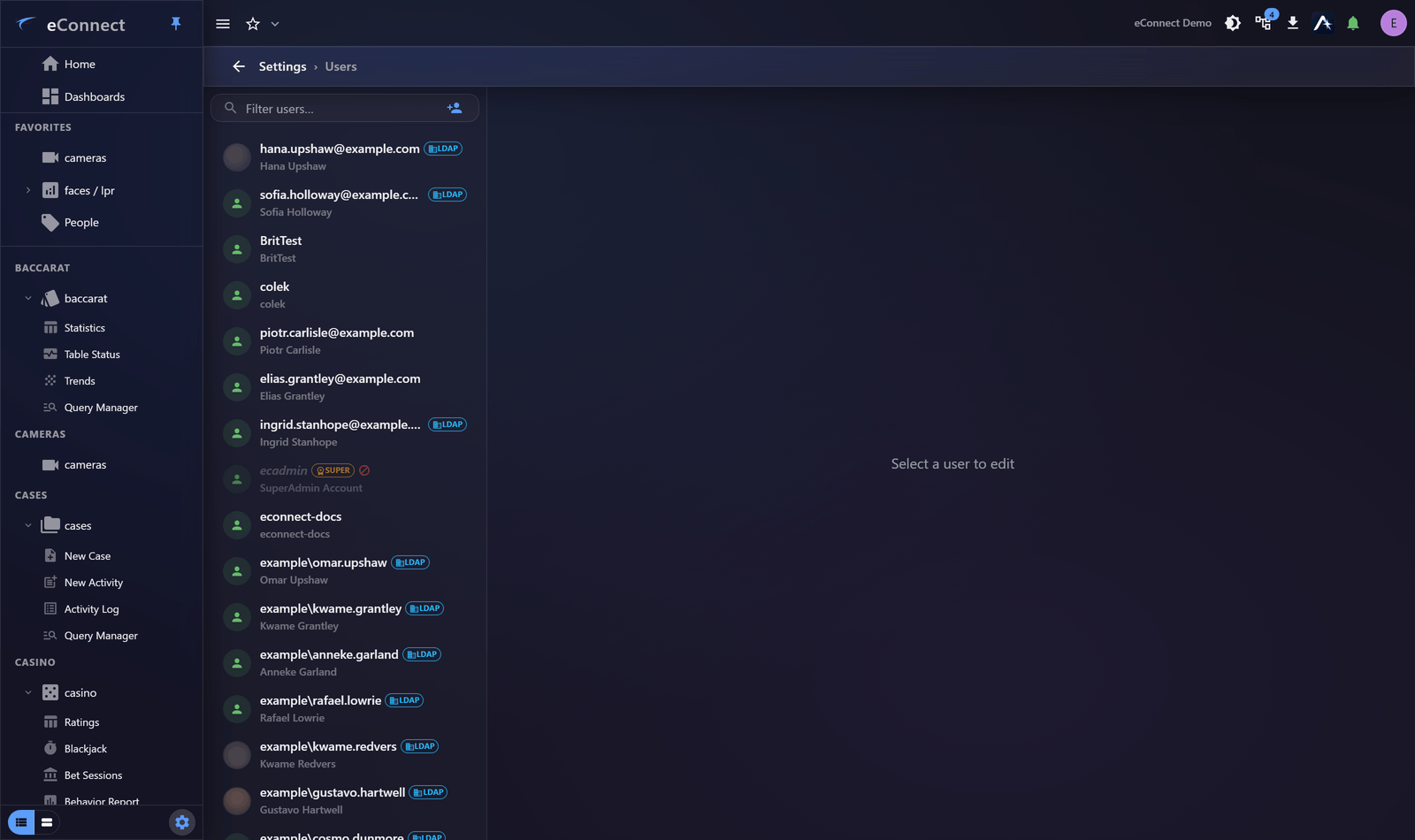
Where an account authenticates against your directory service, it is marked as such in the list and eConnect holds no password for it. Password fields do not apply, and password policy is whatever your directory enforces.
This is the better arrangement where it is available: one identity per person, disabled centrally when they leave, and no second password to manage.
Saving, discarding and leaving
Save is available only once something has actually changed, so a lit Save button means you have unsaved work and a dim one means you do not. Discard puts the form back to what is stored.
Navigating away from unsaved changes asks first, rather than silently keeping or silently losing them. Answer it deliberately: the question exists because a half-finished user record is the kind of thing people mean to come back to and then do not.
Enabling and disabling
Disabling an account ends it immediately: the person's open sessions stop working rather than lasting until they happen to close the application. That is the behaviour to rely on when somebody leaves at short notice.
The same now applies to anything you change about an account. A new permission group, a changed logical group, a different attribute — the person's open clients pick it up within the minute, without a reload and without signing out. Previously a change could sit unseen for the rest of a shift.
The enable toggle is the fastest and safest control you have over access. Disabling stops sign-in immediately, keeps the account's history intact and attributable, and is reversible.
Use it for departures, suspensions and extended absence. Prefer it to deletion in every case where the person has actually used eConnect — see The User List.
A disabled account cannot sign in again, but a session already open continues until it is signed out or times out. When immediacy matters, disable the account and confirm the person is signed out — their session history shows current activity.
Changing a username
Avoid it. The username appears throughout the audit trail, and changing it makes historical records harder to follow — the same person appears under two names with nothing connecting them.
If a name genuinely must change, note when and why, so anyone reviewing history later can reconcile the two.
Service accounts
An account marked Service user belongs to an integration. Two things follow:
- Give it the narrowest permission group that lets its integration work.
- Review it. Service accounts are created once, granted broadly, and forgotten — which makes them the weakest link in most permission arrangements.
The Security and Access report can include or exclude service accounts, so you can review them deliberately rather than having them buried among people.
Passwords
Setting and resetting passwords, and the policy they must satisfy, are covered in Passwords and Resets.
What is recorded
Changes to an account — enabling, disabling, credentials, service-account status — are audited under the user administration type, so any change can be traced to who made it. See Reading the Audit Trail.