Session History
Session History is the record of one person's activity: when they signed in, from where, how long they stayed, and what they did while they were there.
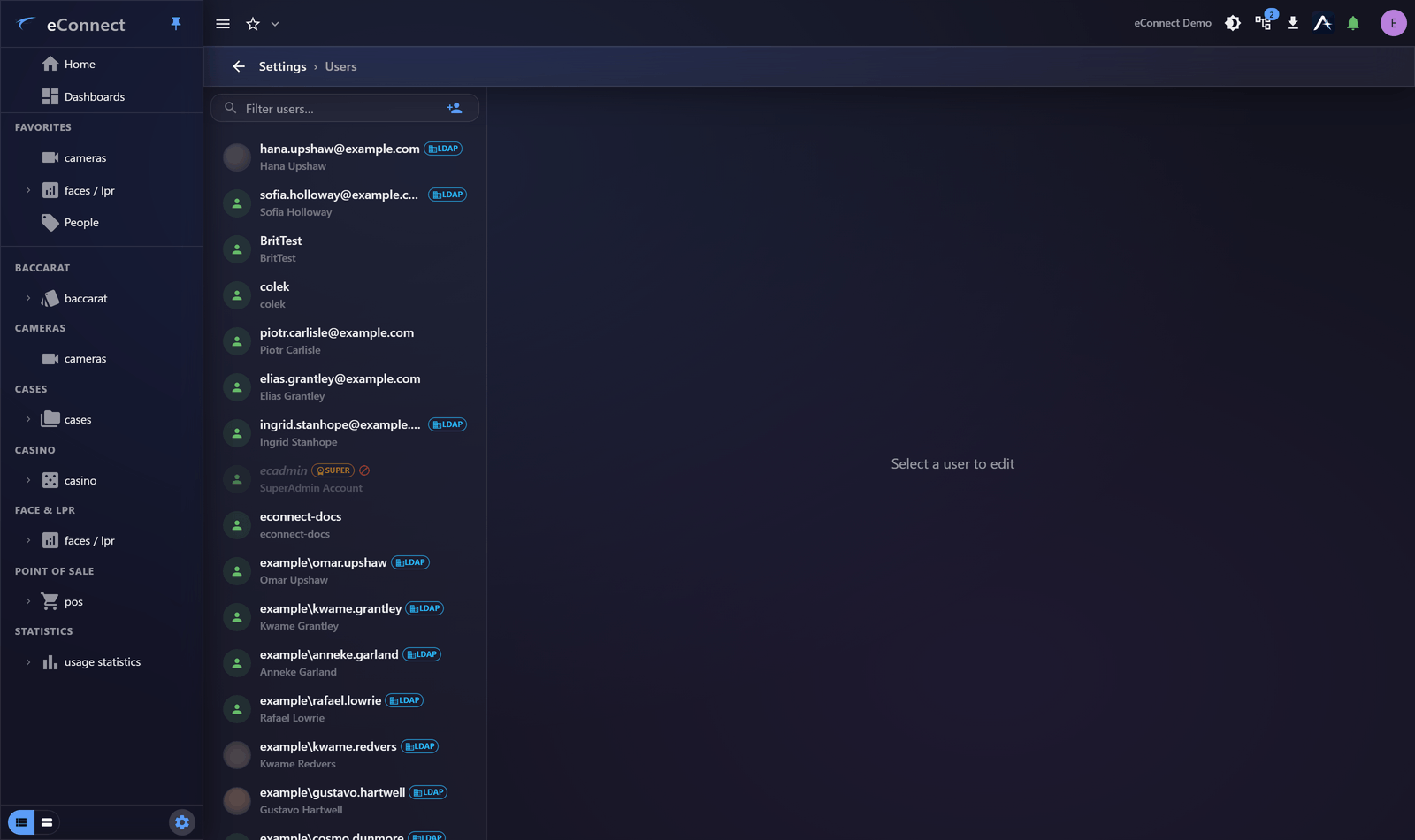
It sits on the user's own record, so answering "what has this person been doing?" starts with finding them in the user list rather than searching a global log.
What it shows
| Sessions | Each sign-in, with its start, end and duration |
| How it ended | Deliberate sign-out, or idle timeout |
| Activity | The audited actions performed during that session |
Sign-out is recorded distinctly depending on how it happened, which is what lets you tell "went home" from "walked away":
This action is recorded in the audit trail.
Reading activity
Within a session, actions appear as audit rows — queries run, cameras viewed, alerts acknowledged, subjects edited, reports generated. Each carries the exact text recorded for it.
Every action eConnect records and the precise wording it uses is listed in the Audit Catalog. That page is the reference to reach for when you need to know whether something is captured before going looking for it.
What it is good for
Confirming a new account works. A sign-in with no activity afterwards usually means the person landed on an empty Home — a permissions problem, not a fault. See Assigning Groups.
Investigating unusual access. Sign-ins outside working hours, from unexpected addresses, or in rapid succession are visible here before they are visible anywhere else.
Answering "who looked at this?" — often the actual question after a data-protection query. Camera viewing records how long footage was watched, which distinguishes opening a camera from reviewing it:
This action is recorded in the audit trail.
Supporting somebody. Seeing what a person actually did is quicker than asking them to remember.
Attribution is server-side
The user, their group and the client address are established by the server from the session, not sent by the application. An action cannot be attributed to somebody else by a client claiming to be them.
That is what makes this record usable as evidence rather than merely as a log.
Sessions somebody else opened
If a person shares credentials, or leaves a workstation signed in, everything done there is recorded as them. That is worth explaining to users directly — it is the practical reason not to use Save Password and Auto Login on a shared machine. See Signing In.
Across everybody
Session History covers one person. For a period or an action type across all users, see Reading the Audit Trail; for a formal point-in-time document, see The Security and Access Report.
Aggregate patterns — who is using which modules, how long sessions run — are reported by the Usage Statistics module.
Audit record
What eConnect writes to the audit trail for the actions on this page.
USER ELECTED LOGOFF
USER LOGGED OFF DUE TO TIMEOUT
CAMERA '{camera name}' REVIEWED FOR {elapsed}