The Security and Access Report
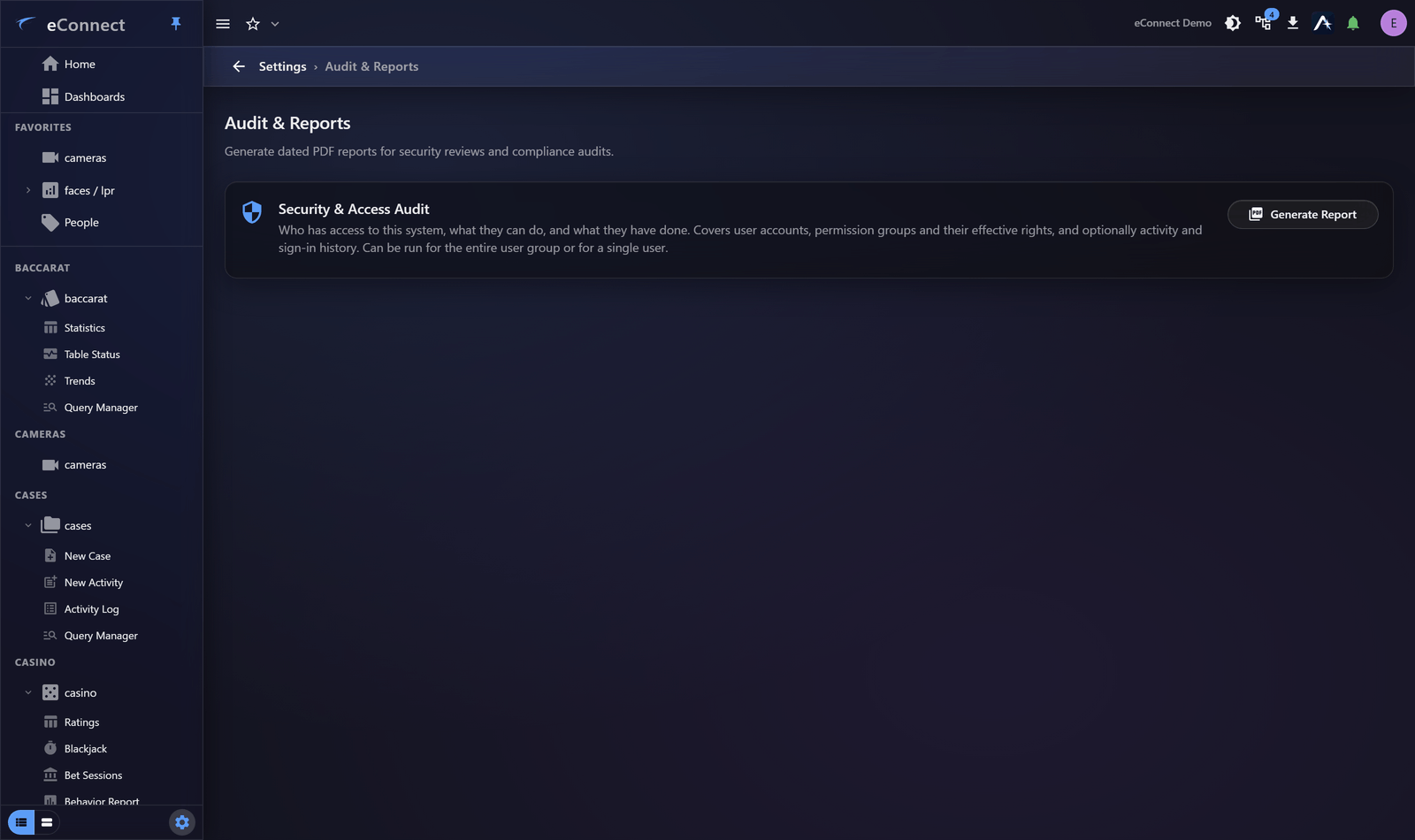
New in version 11. The Security & Access Audit report produces a point-in-time PDF of who can do what and what they have done — built for access reviews, audits and compliance evidence.
Find it under Settings ▸ Administration ▸ Audit & Reports.
Why it exists
Access reviews used to mean assembling screenshots. This produces one document, at one moment, covering everybody — which is what an auditor asks for and what a reviewer can actually work through.
What you can include
| Section | Contents |
|---|---|
| Permission groups | Every group and the keys in it |
| Permission descriptions | What each key allows, in words |
| Group members | Who holds each group |
| Logical groups (data access) | What each user may see, not just do |
| Per-user sign-in summary | Sign-in patterns per person |
| Sign-in history | Individual sign-in events |
| Activity history | Audited actions, filterable by Event types |
| Disabled users | Accounts that cannot currently sign in |
| Service accounts | Integration accounts rather than people |
You can run it for all users or a single user, over a chosen date Range.
Choosing sections for the job
A periodic access review. Permission groups, permission descriptions, group members, logical groups, and include disabled users and service accounts. This answers "who can do what, and should they still?"
Investigating one person. Single user, with sign-in history and activity history over the relevant range.
Demonstrating controls to an auditor. Permission groups with descriptions, plus logical groups — showing that access is structured and bounded, rather than a list of events.
Include permission descriptions whenever the reader is not an eConnect administrator. A list of key names means nothing to an auditor; the descriptions make the document self-contained.
Include logical groups
The section most often forgotten and most often the point. Permissions alone answer "may they delete a subject?" but not "which subjects?" — a person with wide permissions and a narrow logical group has far less real access than their permission list suggests.
A review that omits logical groups overstates everybody's access.
Disabled users and service accounts
Both default to being excluded, and both are worth including in a review.
Disabled accounts show that leavers were handled. Service accounts are where excessive permissions most often hide, because they are created once, granted broadly, and never revisited.
The report is honest about its own limits
Sections are gated server-side by the same keys that govern the underlying data. A section you cannot read is omitted and disclosed on the cover page rather than silently dropped.
So a report generated by someone with partial rights is still valid — it says what it does not contain. When filing one as evidence, check the cover page: a report with omissions needs generating by someone with wider rights.
Who can run it
The report needs the User Session History Report Generate key, which is in the Admin group by default. See Permission Keys in v11.
Practical use
Run it on a schedule — quarterly is common — and keep the PDFs. The value is comparative: this quarter's report against last quarter's shows what access has changed, which is far more revealing than any single snapshot.
For automated delivery, see Subscriptions and Scheduled Reports.
Related
- Reading the Audit Trail — for investigating a specific action
- Session History — for one person in depth
- Audit Catalog — every audited action and its wording