Permission Keys in v11
A permission key grants the right to perform one specific action. Keys are collected into permission groups, and groups are assigned to users — keys are never given to a person directly.
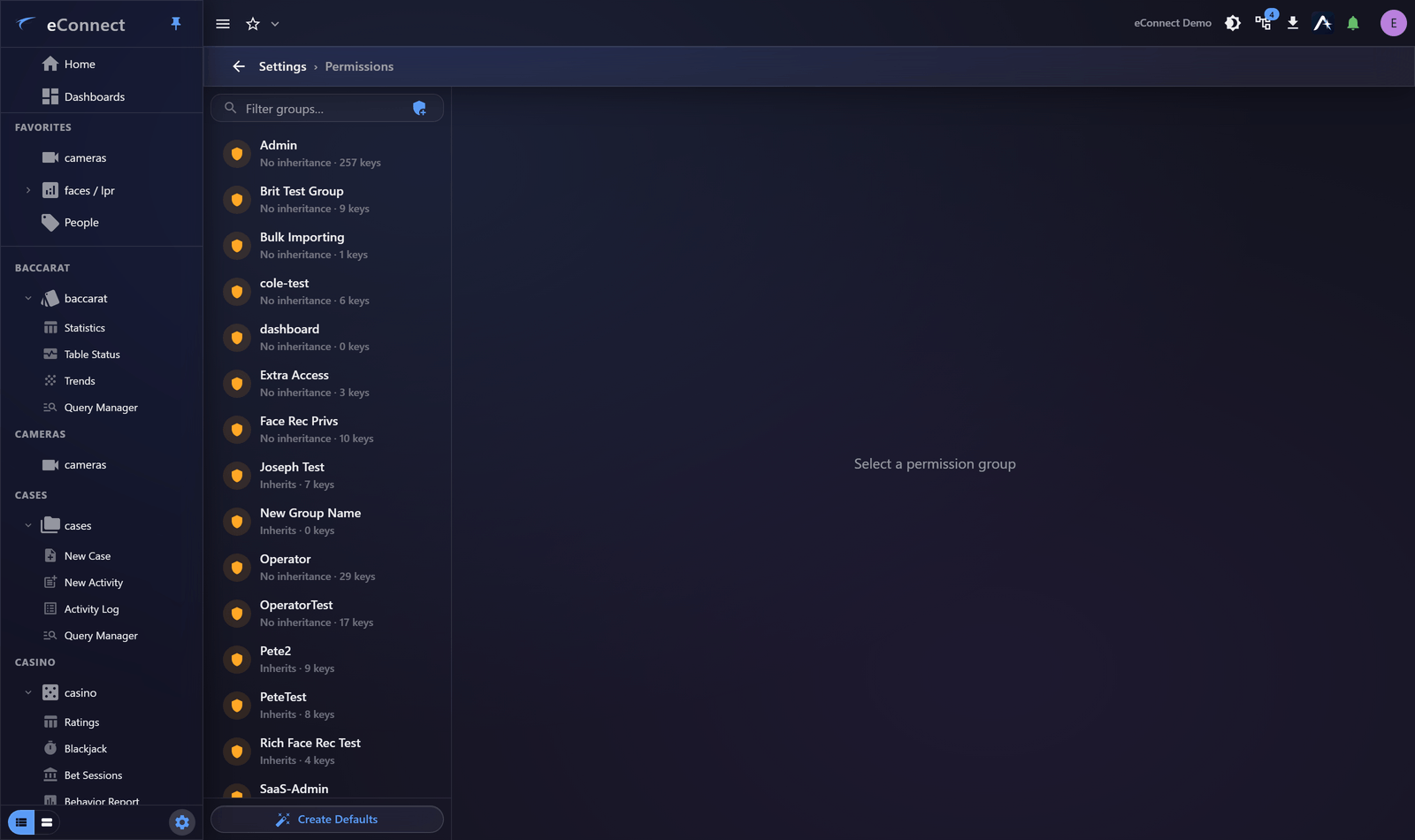
The complete reference, with every key and what it allows, is the Permission Keys page. This page covers what is new in version 11.
Thirteen new keys
Ace
| Key | Grants | Default groups |
|---|---|---|
AiProvidersManage | Configure providers, endpoints, models, API keys and scope policy | SysAdmin |
AI Usage View | Read usage analytics and tool health, without touching configuration | SysAdmin, Admin |
AI Commercial Manage | Metered billing flags, cost multipliers and usage pools | None |
The split between the first two is deliberate and worth using. A manager who needs to watch cost and adoption should get AI Usage View, which shows them AI Usage and Analytics without exposing provider endpoints or API keys.
AI Commercial Manage has no default group, on purposePermission groups are per-user-group, so every customer has its own SysAdmin group. Giving this key a SysAdmin default would grant it to every customer administrator automatically on upgrade — which is exactly what it exists to prevent, since it governs the values that decide billing.
It must be granted explicitly to whoever should hold it.
Audit reporting
| Key | Grants | Default groups |
|---|---|---|
User Session History Report Generate | Produce the Security and Access report | Admin |
This one key unlocks the report. Its individual sections are gated server-side by the keys that already govern that data, so a holder always gets a usable report — and any section they cannot read is omitted and disclosed on the cover page rather than silently dropped. See The Security and Access Report.
Object Analytics
| Key | Grants | Default groups |
|---|---|---|
ObjectAnalyticsSubjectAttachmentView / Add / Update / Remove | Work with files attached to a subject | Admin, ServiceOnly |
ObjectAnalyticsLicensePlateAttachmentView / Add / Update / Remove | Work with files attached to a plate | Admin, ServiceOnly |
Attachments are evidence, so the four verbs are separate keys rather than one. Somebody who should read what is attached to a subject does not necessarily need to remove it, and Remove is the one to grant narrowly.
The keys that delete a subject or a plate — ObjectAnalyticsSubjectRemove and
ObjectAnalyticsLicensePlateRemove — are not new; they behave in version 11 as they did before.
Version 11 does give them more to govern, since a plate can now be deleted from its summary and a
subject un-enrolled from its profile, so they are worth re-reviewing even though they have not
changed.
Casino
| Key | Grants | Default groups |
|---|---|---|
CasinoConnectBetSessionRecalculate | Recalculate the totals and ratings of a bet session | Admin |
Assigning the new keys
Nothing happens automatically beyond the defaults above. To use the new capabilities:
- Decide who should administer AI, and who merely needs to see its cost.
- Add
AiProvidersManageandAI Usage Viewto the appropriate permission groups. - Grant
AI Commercial Manageexplicitly, to as few people as possible. - Confirm whoever runs access reviews holds
User Session History Report Generate. - Review the Object Analytics attachment keys, and re-review the two remove keys, against who should hold them.
- Decide who may recalculate a bet session.
Everything else is unchanged
All other keys behave as they did in version 10, and existing permission groups continue to work. Upgrading does not change anybody's existing rights.
What is recorded
Changes to permission groups and their keys are audited under the permissions administration type, so a change in someone's access can be traced to who made it and when. See Reading the Audit Trail.