Usage Statistics
Usage Statistics reports on eConnect itself: who is signing in, what they are doing, and which parts of the system are actually used.
It reads the same audit records that Session History shows for one person — but across everybody, with the full query builder behind it.
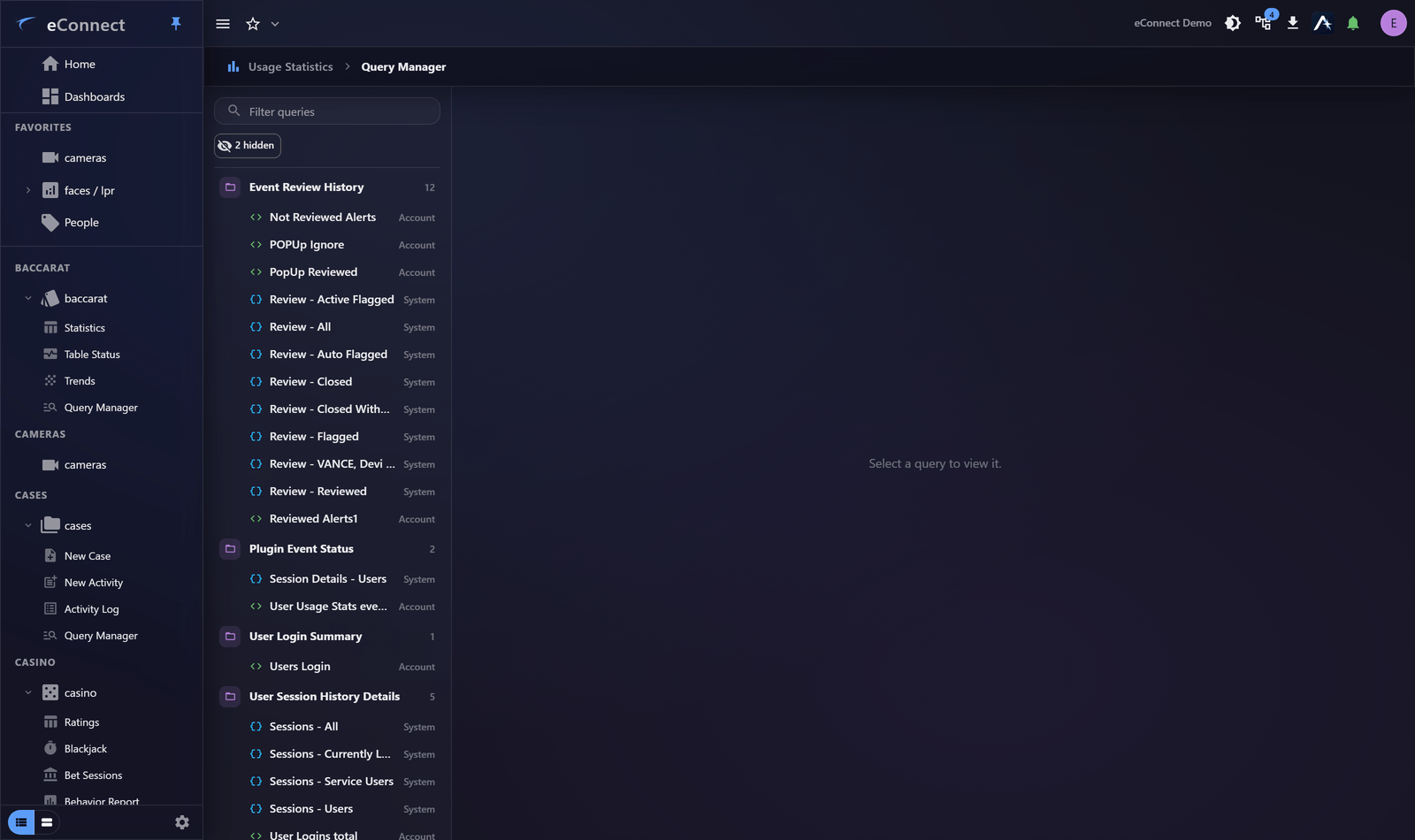
What it is for
| Question | Answered by |
|---|---|
| Who has been signing in, and when? | Sessions and Logins |
| Which modules are being used? | Plugin Events |
| Who did this particular action? | Querying by action type and period |
Session History or Usage Statistics?
Both read the same records; the difference is direction.
Session History starts from a person. Use it when you have a name — which is most investigations.
Usage Statistics starts from the data. Use it when the question is about a period, an action type or a pattern across users, and you do not know whose name you are looking for.
It is a normal module
Usage Statistics uses the same query builder, grids, aggregation and export as everything else. Saved queries work here, and so do dashboards.
That matters more than it sounds: it means "sign-ins outside working hours" can be a saved query on a dashboard rather than a report somebody has to remember to run.
Two things it is good at
Adoption. Which modules are being used, by how many people, and which are not. That answers whether training landed and whether a feature was worth licensing.
Anomaly. Sign-ins at unusual hours, from unexpected places, or in unusual volume. The pattern is visible here before it is visible anywhere else.
For a formal record
Usage Statistics is for querying. For an access review, an audit, or anything that needs filing, use The Security and Access Report, which produces a point-in-time PDF.
Permissions
The module reports on what people did, which is sensitive. Access should be narrow — see Permission Groups.
What is recorded
Querying usage data is itself audited, like any other query. Reviewing what colleagues have been doing leaves its own record, which is as it should be.
Audit record
What eConnect writes to the audit trail for the actions on this page.
QUERY EXPORT '{name}' FROM {start date} to {end date}