Sessions and Logins
Sessions record who signed in, when, from where, how long they stayed and how the session ended.
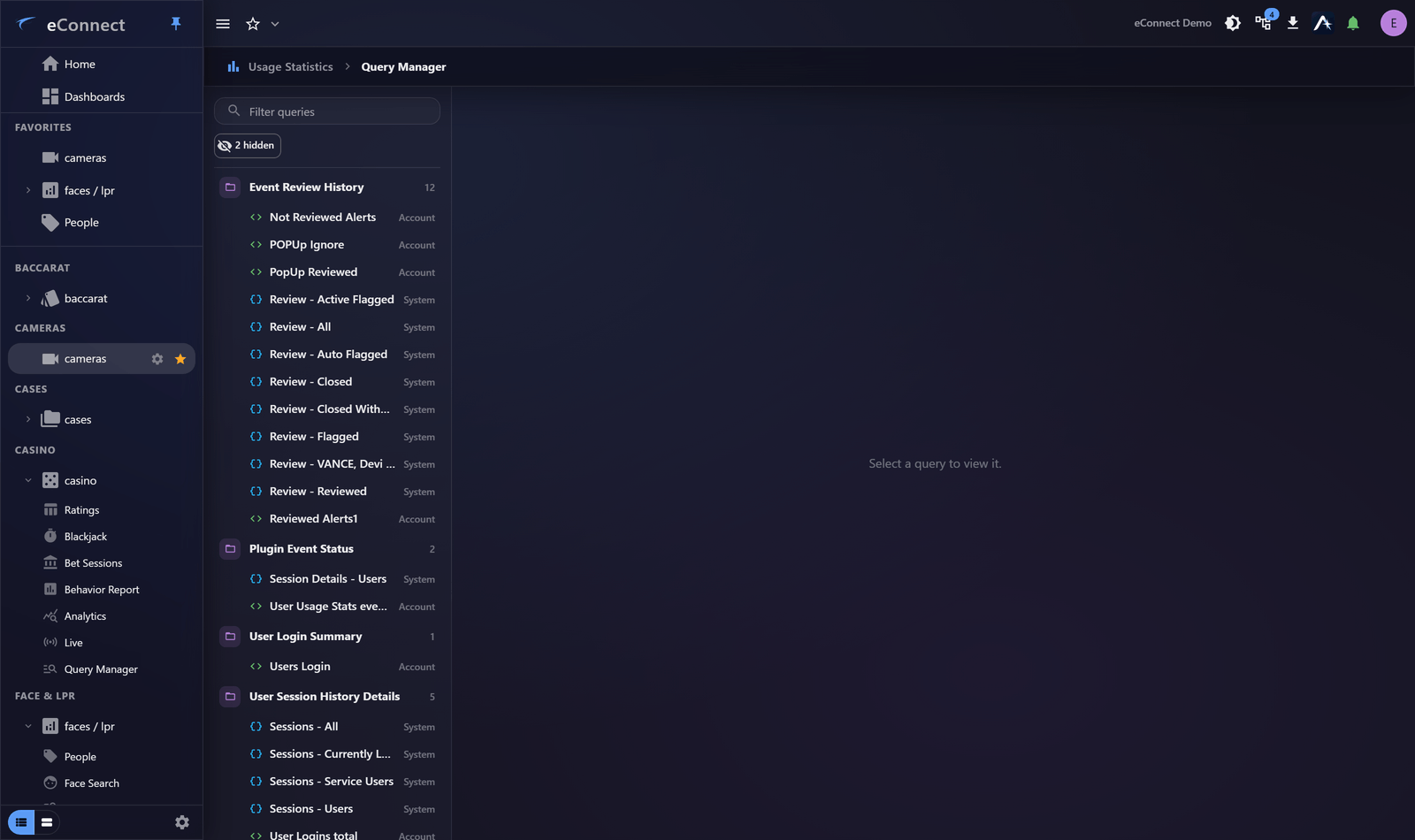
What you can ask
| Question | Approach |
|---|---|
| Who signed in yesterday? | Query the period |
| Who is signing in outside working hours? | Query by time of day |
| How long are sessions typically? | Aggregate on duration |
| Which sign-ins ended by timeout? | Filter on the logout type |
| Is anybody signing in from somewhere unexpected? | Group by client address |
Sign-in summaries
Per-user summaries give the shape of somebody's usage — how often, how long, when — without reading individual sessions. That is the right grain for "is this person's pattern normal?"
For one person in depth, their Session History is the better place.
How sessions end
Sign-out is recorded distinctly by cause, which is what lets you tell deliberate departures from abandoned workstations:
This action is recorded in the audit trail.
A high proportion of timeouts on one account usually means somebody signing in and walking away — worth a conversation, because everything done at that workstation is recorded as them.
What sessions can and cannot tell you
Can: that an account was signed in, when, from where, for how long, and what was done during it.
Cannot: that a particular person was at the keyboard. Shared credentials and unattended signed-in workstations both break that link, which is why Save Password and Auto Login are a bad idea on shared machines. See Signing In.
Time zones
Times display in the zone on your profile. When judging whether a sign-in was "outside hours", make sure you are reading the hours you think you are — this is a common mistake in multi-site organisations.
Watching it routinely
Sign-in anomalies are best noticed early. A saved query for out-of-hours or unusual-address sign-ins, on a dashboard with a relative period, surfaces them without anybody remembering to look.
Related
- Plugin Events — what people did once inside
- Session History — one person in depth
- The Security and Access Report — a formal record
Audit record
What eConnect writes to the audit trail for the actions on this page.
USER ELECTED LOGOFF
USER LOGGED OFF DUE TO TIMEOUT