Tenants and Resellers
Settings ▸ System Administration ▸ Tenants manages user groups in the organisational sense — the tenants an eConnect installation serves.
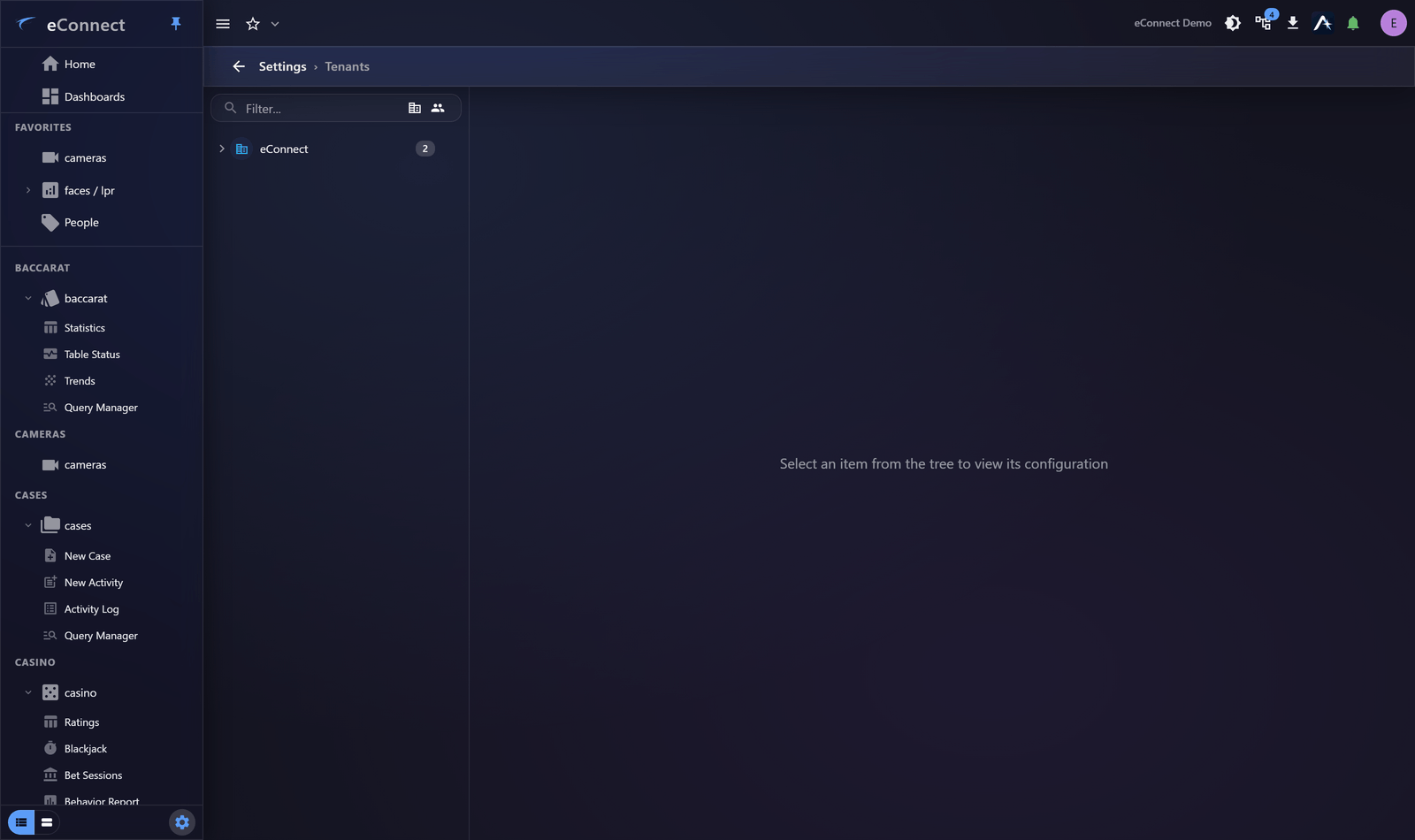
This page is for service providers and multi-property operators. A single-site organisation will have one tenant and never need it.
What a tenant is
A tenant is a separate customer or property with its own users, permission groups, settings and data. Tenants are isolated from each other: a user belongs to one, and sees only its data.
Several things are configured per tenant rather than globally, including session timeout and alert behaviour — which is how one tenant can have a short timeout and another none.
Managing tenants
Create, rename and configure tenants here. Each carries its own connection details and branding, so users see their own organisation rather than the provider's.
Changing a tenant's configuration affects everybody in it, so treat it as you would any system setting — see The Settings Area.
Switching between tenants
Users with the right to change their active user group can move between tenants. This is how a provider's staff support several customers from one account.
That right is significant: it grants reach across tenants and, where AI is configured, administration across them. Grant it only to people who genuinely support multiple customers, and review it — see Permission Groups.
Reseller controls
Reseller functions sit inside this page rather than being a separate one, gated by their own keys. A tenant administrator can typically see the page for their own tenant without the reseller controls, which is intended.
Permission groups are per tenant
Worth stating explicitly because it surprises people: permission groups belong to a user group. Every tenant has its own Admin group, its own Operator group, and so on.
Two consequences:
- Editing one tenant's Admin group does not affect another's.
- A key given a default of Admin or SysAdmin is granted in every tenant on upgrade — which is
precisely why
AI Commercial Managedeliberately has no default. See Permission Keys in v11.
Isolation and AI
Where Ace is configured, provider pools never span scope tiers — one tenant's questions are never served by another tenant's hardware. Settings can be inherited from a higher tier so a provider configures once for many customers, with individual tenants overriding where needed. See AI Configuration.
Related
- Permission Groups — per tenant
- Logical Groups — narrowing within a tenant
- Security Policy — set per user group
What is recorded
Tenant changes are audited under the user-group administration type, and switching active user group is audited against the person who did it. See Reading the Audit Trail.