Export Status and Downloads
Exports are produced by the recorder and take time. This is where you watch for them and collect them.
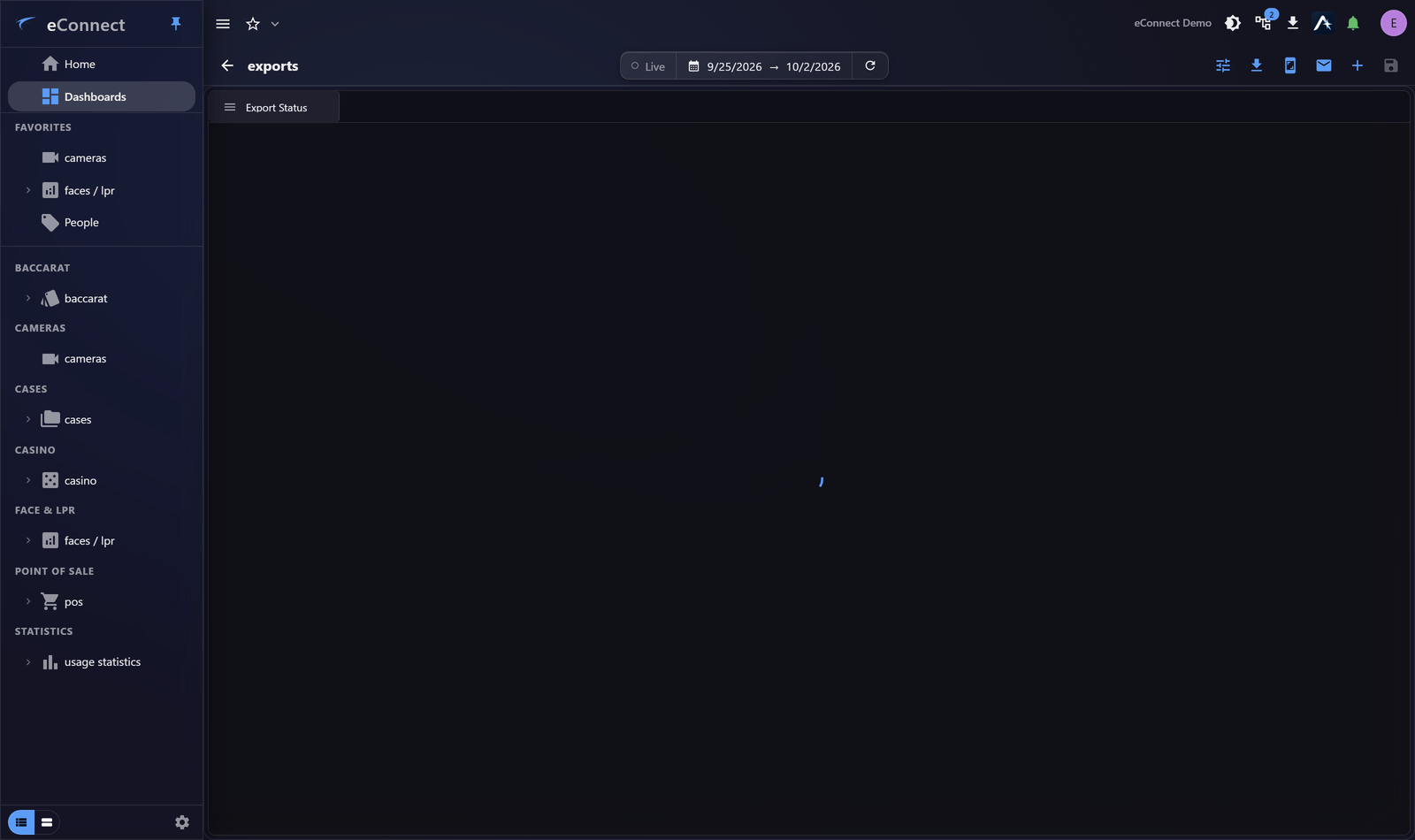
Where to look
| Place | Use |
|---|---|
| The export panel in the cameras module | While you are working with video |
| The Export Status widget | On a dashboard you already have open |
The widget is the practical choice for anyone who exports regularly: request the clip, carry on working, and notice when it appears.
States
An export is in progress, complete, or failed. A failed export shows as failed rather than disappearing, which matters — an export that silently vanished leads people to conclude the footage never existed.
Retrying
Failed exports can be retried, and one retry is always worth trying: transient recorder and network problems are common and clear on their own.
Where a retry fails again, the cause is usually one of three things:
- The requested period is outside retention, so the footage no longer exists
- The recorder is unavailable
- The period is very long, and the export is timing out
Shortening the period tests the first and third at once, and is the quickest thing to try.
Downloading
Take the download when the export completes. The file goes wherever your browser or the desktop client saves downloads.
This action is recorded in the audit trail.
Downloading is audited because that is the moment the file leaves eConnect — the point that matters in a later review, rather than when the export was requested.
Housekeeping
Exports are not kept indefinitely. Download what you need promptly and store it properly; the export list is not an archive.
Removing an export is audited too, so a deliberate clean-up is distinguishable from a file that went missing.
After downloading
An exported file is outside eConnect's permission system. Attach it to a case rather than leaving it in a downloads folder — a case is where media belongs alongside the notes and activity that explain it.
Audit record
What eConnect writes to the audit trail for the actions on this page.
VIDEO EXPORT '{name}' DOWNLOADEDVIDEO EXPORT '{title}' DOWNLOADED