Module Settings
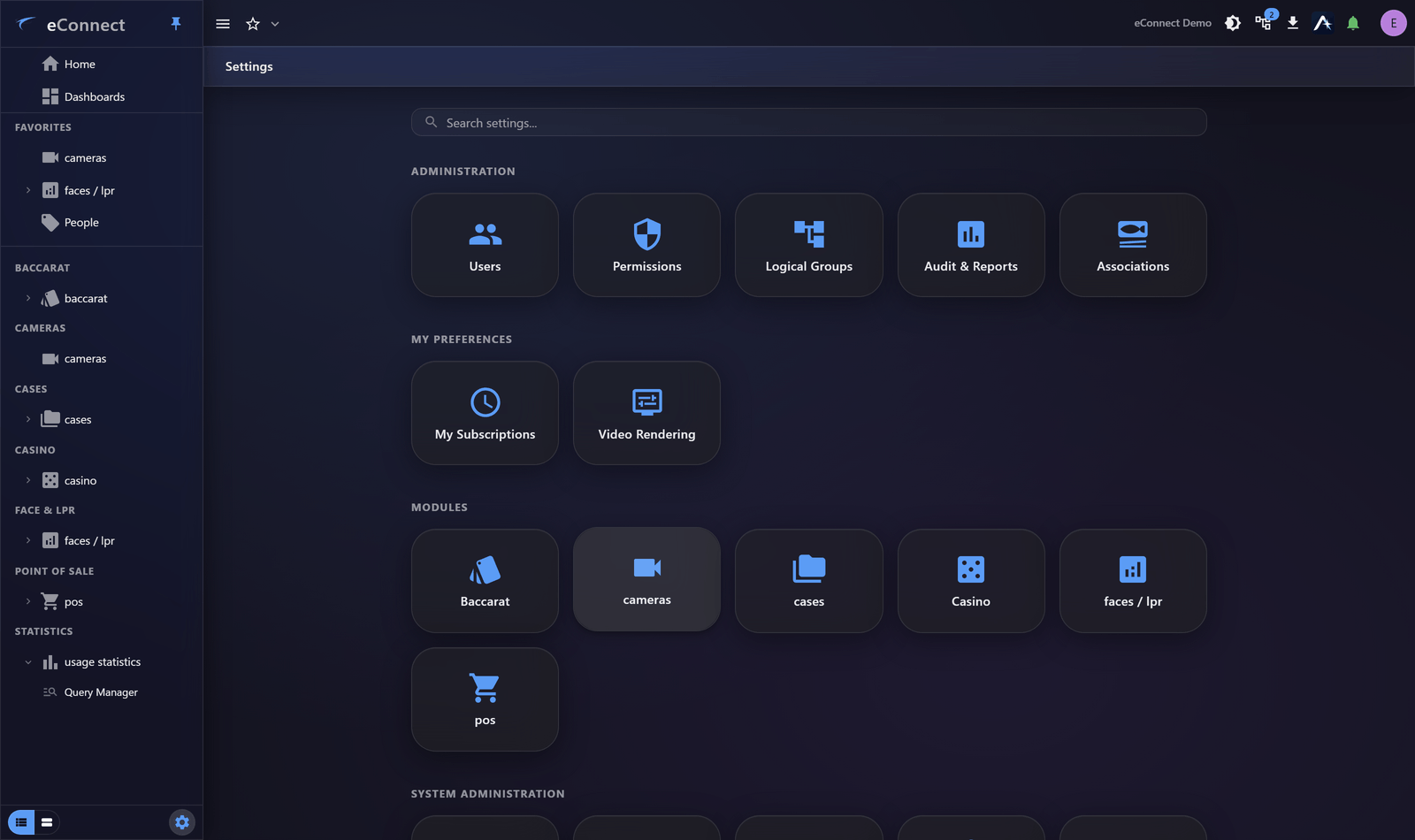
The faces and plates module has its own settings tile under Settings ▸ Modules, organised into tabs.
| Tab | Covers |
|---|---|
| General Settings | Module-wide behaviour and retention |
| Detectors | The cameras and devices producing recognitions |
| Tags & Alerts | Tag definitions, what they trigger, and expiry |
| Zones | Entry and exit points, and visit tracking |
| Bulk Enroll | Enrolling many subjects at once |
| License Plate Recognition | Plate-specific configuration |
| Attachments | Files attached to subjects and plates |
| AI Platform | Recognition platform configuration |
Detectors
A detector is a camera or device producing recognitions. Each is configured with what it watches and how it behaves.
Name detectors after places, not hardware. Detector names appear on every detection, every alert and every report, and North Entrance — Interior is worth far more to an operator at two in the morning than DET-047.
Tags & Alerts
Where tags are defined and their consequences set: whether a tag raises an alert, what else it triggers, and when it expires.
This is the most operationally consequential tab in the module. A tag configured to alert will interrupt operators for every detection of every subject carrying it, indefinitely, until changed.
Configure expiry deliberately. Tags applied situationally — during an incident, for a visitor — should not be permanent, and inactivity-based expiry removes them without anybody having to remember.
The panel puts a tag's name, its colour, its expiry and what it triggers on one screen rather than behind collapsed sections, so the consequences of a tag are visible while you are setting it rather than one click away.
See Face Tags and Plate Tags.
Zones
Zones are defined here by nominating the cameras that mark their entry and exit points, either as dedicated in/out cameras or as bidirectional ones.
Get the coverage right before relying on durations. A zone whose entry camera misses half the arrivals produces visits marked No Entry and understates occupancy. See Detections and Zones.
Bulk Enroll
For enrolling many subjects at once, from a folder or an archive of images with accompanying data. Files are matched to subject records and enrolled together.
Two things worth doing before a large run:
- Check image quality on a sample. A bulk enrolment of poor photographs produces a population that will not be recognised, and it is far more work to fix afterwards.
- Confirm the naming. Bulk enrolment is where duplicate populations are created at scale, because a naming mismatch produces new records rather than matching existing ones.
Attachments
New in version 11: files can be attached to subjects and plates, with their own permission keys for viewing, adding, updating and removing. See Permission Keys in v11.
Retention
General settings include how long detections are kept. Retention is what stops the database growing without bound, and it is also why footage and detections are not available indefinitely — worth knowing before concluding data was lost.
What is recorded
Detector and tag management are audited — Face - Detector Mgmt (1004), Face - Tag Mgmt (1003) and LP - Detector Mgmt (1030), written server-side. See the Audit Catalog.