Face Search
Face Search takes a photograph and finds matching subjects among those you have enrolled. It answers "do we know this person?"
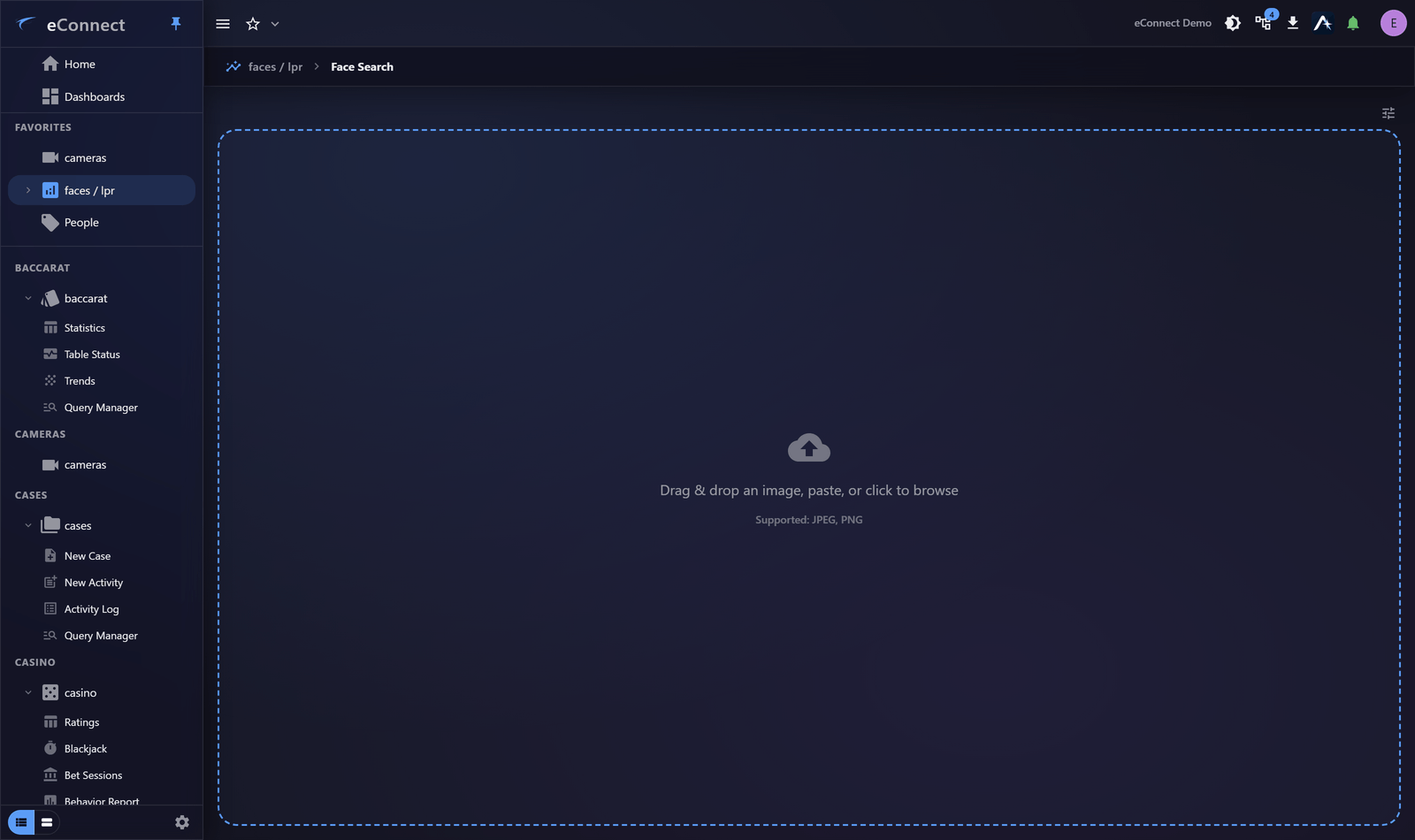
Searching
Supply an image — uploaded, pasted, or captured from a camera — and search. Matches come back ranked, each with a Match Confidence and leading to the subject behind it.
You can also run this search from Ace by attaching an image. It is the same search with the same results, reached from a conversation.
Image quality decides everything
The single biggest factor in whether a search works.
| Better | Worse |
|---|---|
| Face square to the camera | Steep angle, or in profile |
| Evenly lit | Heavy shadow or backlight |
| In focus, reasonable resolution | Motion blur, heavily compressed |
| Unobstructed | Mask, sunglasses, hand across the face |
A poor image does not usually produce a wrong answer — it produces no answer, or a weak one. If a search finds nothing, try a different frame before concluding the person is not enrolled.
Detection settings
Detection Settings adjust how hard eConnect works to find a face in your image, which matters for poor-quality sources.
Loosening them lets a face be found in a grainy still that would otherwise be rejected — useful for surveillance footage, at the cost of more candidates to look through. Tighten them when a clean image is returning too many weak matches.
Seeing what matched
An optional match overlay draws the comparison onto the image, so you can see which face in the frame the score belongs to. On a photograph with several people in it that is the difference between a number you trust and a number you are guessing about.
Turn it off for a clean picture — when you are about to export or attach the image to a case, for instance.
Reading confidence
Confidence indicates how closely the face matches, not how certain the identification is.
A high confidence score means two images are similar. It does not establish identity, and it is not evidence on its own. Open the subject, compare the photographs yourself, and check whether the detection history is consistent with the person being there.
Act on your own judgement, not on the score.
Low-confidence matches are worth scanning rather than dismissing, particularly from poor images — the right person can appear well down a list when the source frame is bad.
No matches
Means the person is not enrolled, or the image is not good enough. Both are common.
If identity is not essential, Semantic Search finds people by appearance without enrolment, which is often the more useful tool for an unknown individual.
Enrolling from a search
If the person should be known and is not, they can be enrolled from here — see Enrolling Photos.
Audit record
What eConnect writes to the audit trail for the actions on this page.
SEARCHED FOR FACE WITH IDENTIFICATION '{term}'
SEARCH PHOTO; {context}{length} FACES RETURNED{known part}