Licence Plate Search
The License Plates view finds vehicles by plate, in the same way People finds subjects.
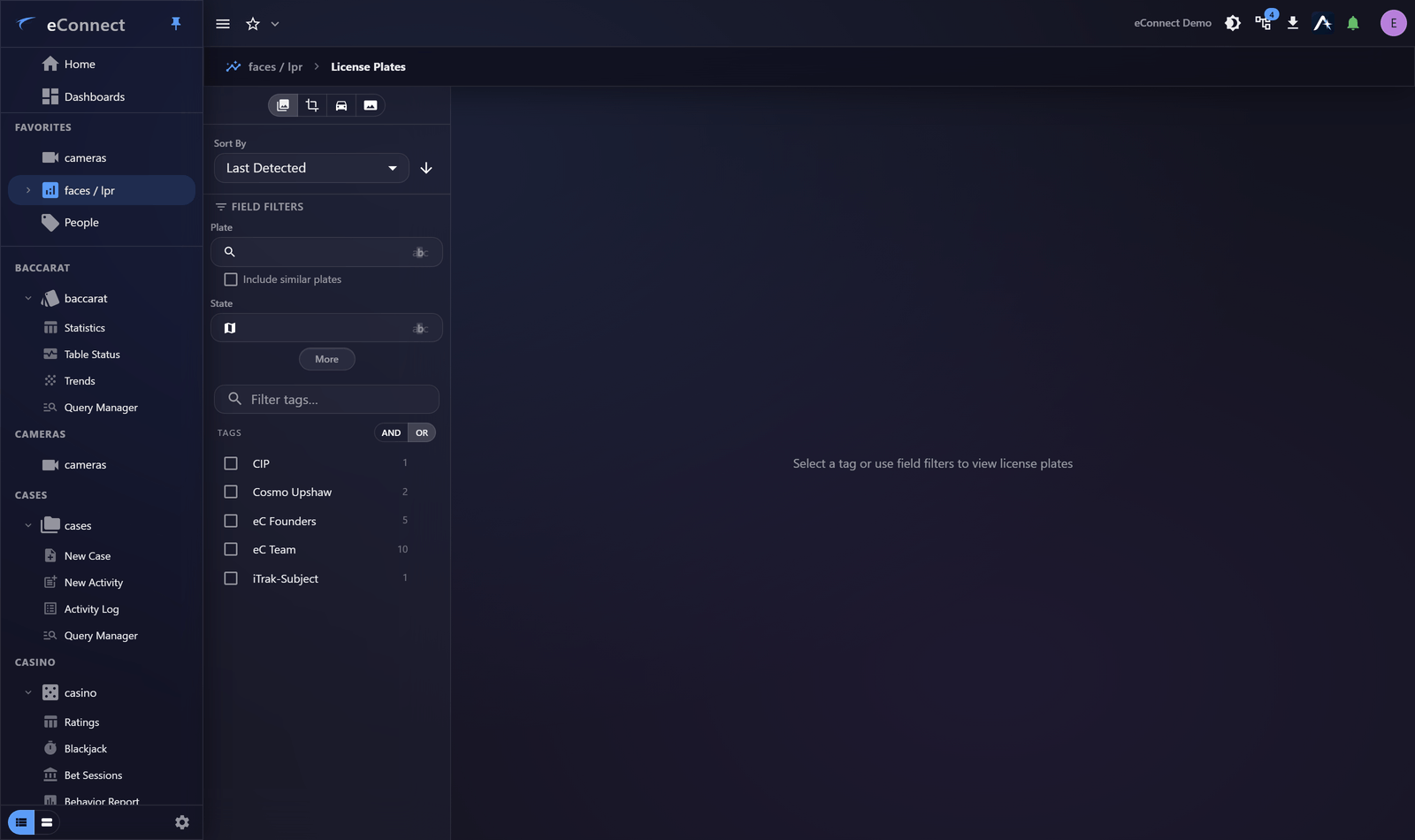
Searching
Enter a plate, or select a tag to see the vehicles carrying it. As with People, the view stays empty until you ask for something — with large numbers of plates recorded, loading everything would be slow and useless.
Partial plates work, which matters because plate reads are imperfect. A witness who remembers three characters is still giving you something searchable.
Reads are imperfect
Worth knowing before concluding a vehicle was not present.
| Confusable | Why |
|---|---|
0 and O | Shape |
1, I and l | Shape |
8 and B | Shape at low resolution |
5 and S | Shape at low resolution |
Angle, speed, weather, dirt and lighting all reduce accuracy. If a search finds nothing, try the
likely misread — searching B where the plate has 8 frequently finds the vehicle.
Similar-plate matching helps here: it surfaces near misses rather than requiring exact agreement.
Thumbnails
Results show the captured image, which is how you confirm the read was correct. Always look — a plate string that matches your search is not proof the system read it correctly, and the image settles it in a second.
Filtering
Narrow by time, detector and tag, exactly as in Semantic Search. Time and location cut a result set down faster than a more precise plate does.
From a result
Selecting a plate opens its profile, with its detection history, associated subjects and the footage behind each read.
Related
- A Plate Profile — one vehicle in depth
- Plate Tags — classification and alerting
- Semantic Search — finding a vehicle by description when you have no plate at all
Audit record
What eConnect writes to the audit trail for the actions on this page.
PLATE SEARCHED '{term}'