Creating a Case
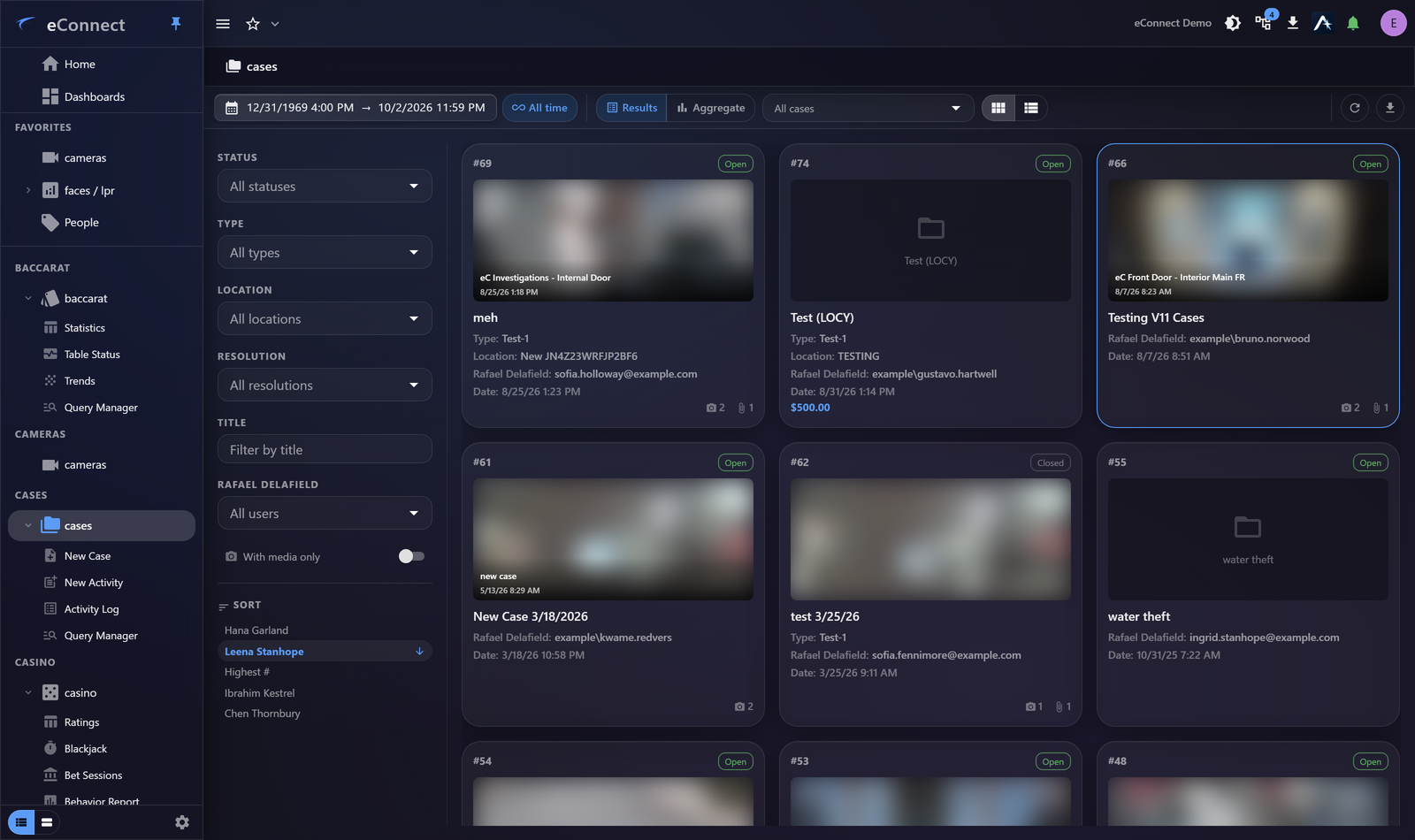
New Case opens one. It needs a name and a description, and it is worth spending a moment on both.
Naming
The case name is what everybody navigates by, so it should identify the incident without being opened.
A workable convention is date, place and what happened — "2026-09-01 Main Bar — till discrepancy". Whatever your organisation uses, use it consistently: a case list where names follow one pattern is searchable, and one where they do not is a pile.
The description
Write what you know now, not what you expect to find.
The description is read by whoever picks the case up next — possibly you, in three months, having forgotten everything. What you want it to say is why the case exists and what the question is:
Cash drawer short by £140 at close. Reported by duty manager. Register 4, evening shift.
Not "investigating discrepancy", which tells the reader nothing they did not know from the name.
Starting from evidence
Cases are often created from something you have already found. Export to Case on a video export offers to add the clip to an existing case or create a new one — which is usually the natural moment, because you have the evidence in front of you.
Creating the case at that point, rather than later, means the material is filed while you still remember why it mattered.
New Activity
Alongside New Case, the module offers New Activity — for recording a piece of work rather than opening an incident. See The Activity Log.
Who can see it
Cases are subject to the same permissions as everything else, and can be scoped to particular users or groups. Someone without permission for the case sees nothing of it.
Set that deliberately when creating a sensitive case, rather than after material has been added.
What happens next
- Working a Case — adding media, comments and people
- The Activity Log — recording what you actually did
- Exporting a Case — producing a package for somebody else
What is recorded
Creating a case is audited — Case - Add (type 700) — as is every later change. See the Audit Catalog.