The Activity Log
The activity log records a piece of work as you do it. Start recording, work normally, and the log fills itself with what you actually did.
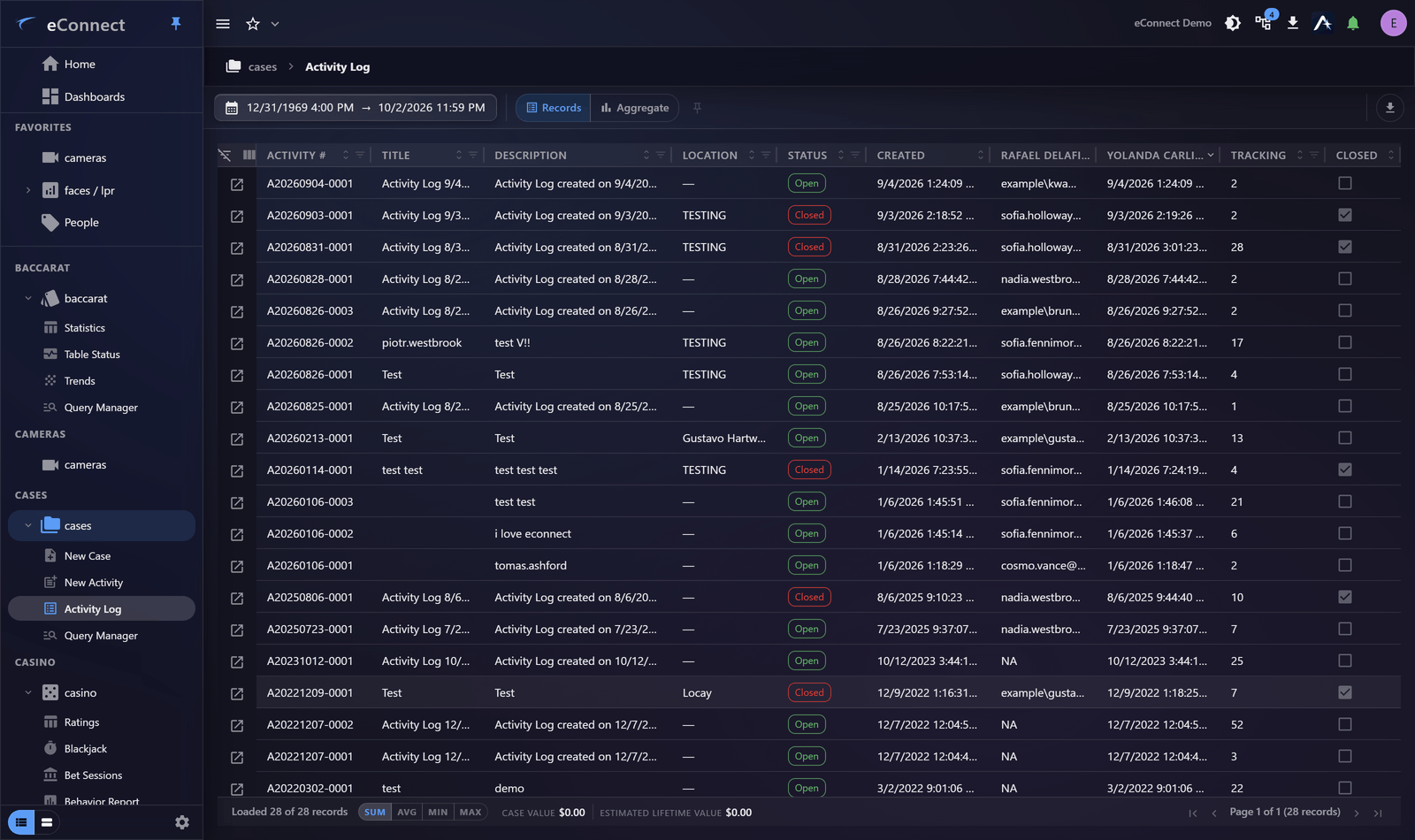
Recording
Create an activity, then start recording. A bar shows that recording is in progress, with controls to pause, resume and stop.
While recording, substantive audited actions are mirrored onto the activity: the queries you ran, the cameras you viewed, the subjects you opened, the alerts you acknowledged. You do not write any of it down.
What is mirrored, and what is not
Not everything audited reaches the log. Navigation and assistant housekeeping are deliberately excluded, because they would bury the actual work under a list of pages visited.
| Mirrored | Not mirrored |
|---|---|
| Queries and exports | Moving between module views |
| Cameras viewed, with duration | Opening and closing chat sessions |
| Subjects and plates opened | Renaming a chat |
| Alerts acknowledged and ignored | Feedback on an answer |
| Reports generated |
Asking the assistant a question is mirrored — it is investigative work in the same way running a query is. So is sending an email, because it puts something out of the system.
Why it is worth using
Three things it gives you that memory does not:
- A defensible account. "I reviewed the footage" is a claim; a log showing which cameras, for how long, is a record.
- Handover. Somebody continuing your work can read what you already did rather than repeating it.
- Time. You are not stopping every few minutes to write notes, which is why contemporaneous notes usually do not get written.
Pausing
Pause when you step away or move to unrelated work, and resume when you come back. That keeps the log about this piece of work rather than about your afternoon.
Pausing and resuming are themselves recorded — types 711 and 712 — so gaps in a log are explained rather than mysterious.
Stopping
Stop when the piece of work is finished. The activity keeps what was recorded.
Every stage of recording is audited — Activity Log - Create (713), Record (709), Pause (711), Resume (712) and Stop (710). These rows are written server-side; see the Audit Catalog for the complete set.
Cases raised while you are recording
Create a case while an activity is being recorded and the case is linked to that activity as its parent. The case shows the link under its header, and following it opens the activity.
That is the join between the two records: the activity says what you did, the case says what you concluded, and neither has to repeat the other for a reader to see how they relate.
Two records, not one
The activity log is a working record of one activity. The audit trail is the permanent record of everything, and is not affected by whether you were recording.
Not recording does not mean not audited. Recording gathers your actions into one place; the audit trail has them either way.
Exporting
An activity log exports alongside the case, so the account of what was done travels with the evidence. See Exporting a Case.