Editing an Identity
The Person Editor is the full view of a single identity. You arrive here by clicking a row in Search, selecting a person from Live Monitor, or saving a newly added identity.
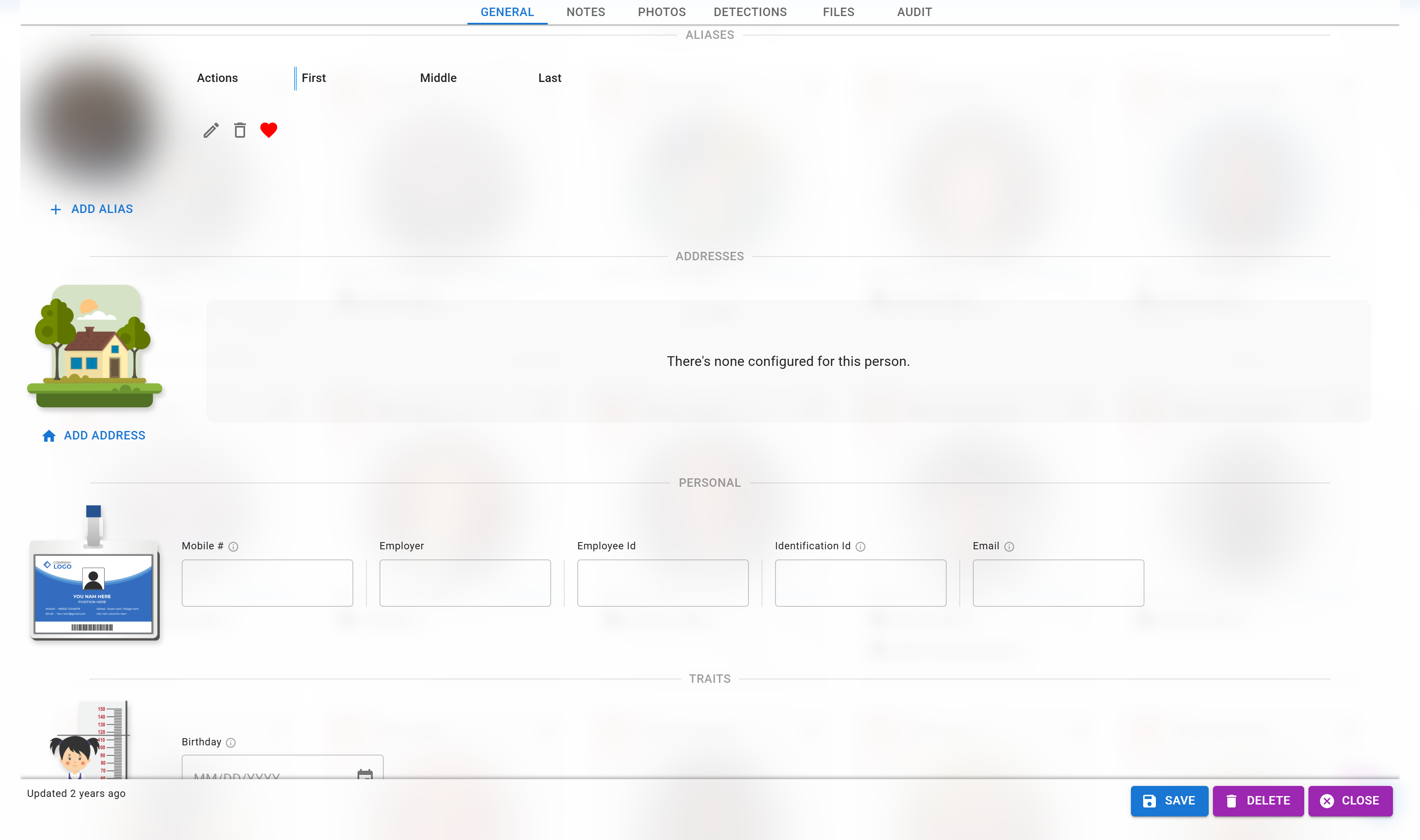
The photo is blurred here for privacy.
Editor Sections
The editor is organized into sections. What you can see and change depends on your permissions.
Profile
Core details — first and last name, gender, date of birth, and collection membership. This is the same data entered on the Add Identity page.
Aliases
Other names the person is known by. Aliases are searchable, so adding them improves how easily operators can find the person later.
Permissions: Identities → Read Aliases to view, Identities → Mutate Aliases to change.
Addresses
Mailing or residential addresses associated with the person.
Permissions: Identities → Read Addresses to view, Identities → Mutate All Identity to change (there is no per-section mutate for addresses — the general mutate permission covers it).
Tags
Labels attached to the person. Tags can optionally carry an expiration — after which the tag is no longer applied (useful for temporary passes, event access, or time-limited VIP status).
Permissions: Identities → Read Tags to view, Identities → Mutate Tags to change.
Face Enrollments
All face photos enrolled for this person. You can:
- Add new photos — more angles, different lighting, and photos captured over time all improve match accuracy.
- Remove photos that are poor quality or no longer representative.
- View similarity scores between enrollments.
Permission: Facial Recognition Services → Face Enrollment.
Custom Fields (Entity Fields)
Any extra attributes your administrator has configured. These are defined in Configured Fields and appear automatically on every identity.
Permissions: Identities → Read Entity Fields to view, Identities → Mutate Entity Fields to change.
Notes
Free-form text notes. Good for context that doesn't fit elsewhere — incident details, escalation history, and handling instructions.
Permissions: Identities → Read Notes to view, Identities → Mutate Notes to change.
Documents
File attachments — scanned IDs, signed forms, supplementary photos, or any related files.
Permissions: Identities → Read Identity Files to view, plus Add Identity Files, Mutate Identity Files, and / or Delete Identity Files (all under the Identities category) to change.
Detection History
A chronological list of face detections matched to this person across all cameras and sites. Useful for reviewing "when was this person last seen?" and verifying match quality.
Permission: Identities → Read Detections.
Audit History
Per-person change log — who changed what and when. See the Audit Log page for the site-wide view.
Permission: Audit → Audit Logs.
Saving
Changes in most sections save as you go (tags, notes, documents). A few sections use an explicit Save button — the header will indicate unsaved changes and prompt you if you try to navigate away.