Tags
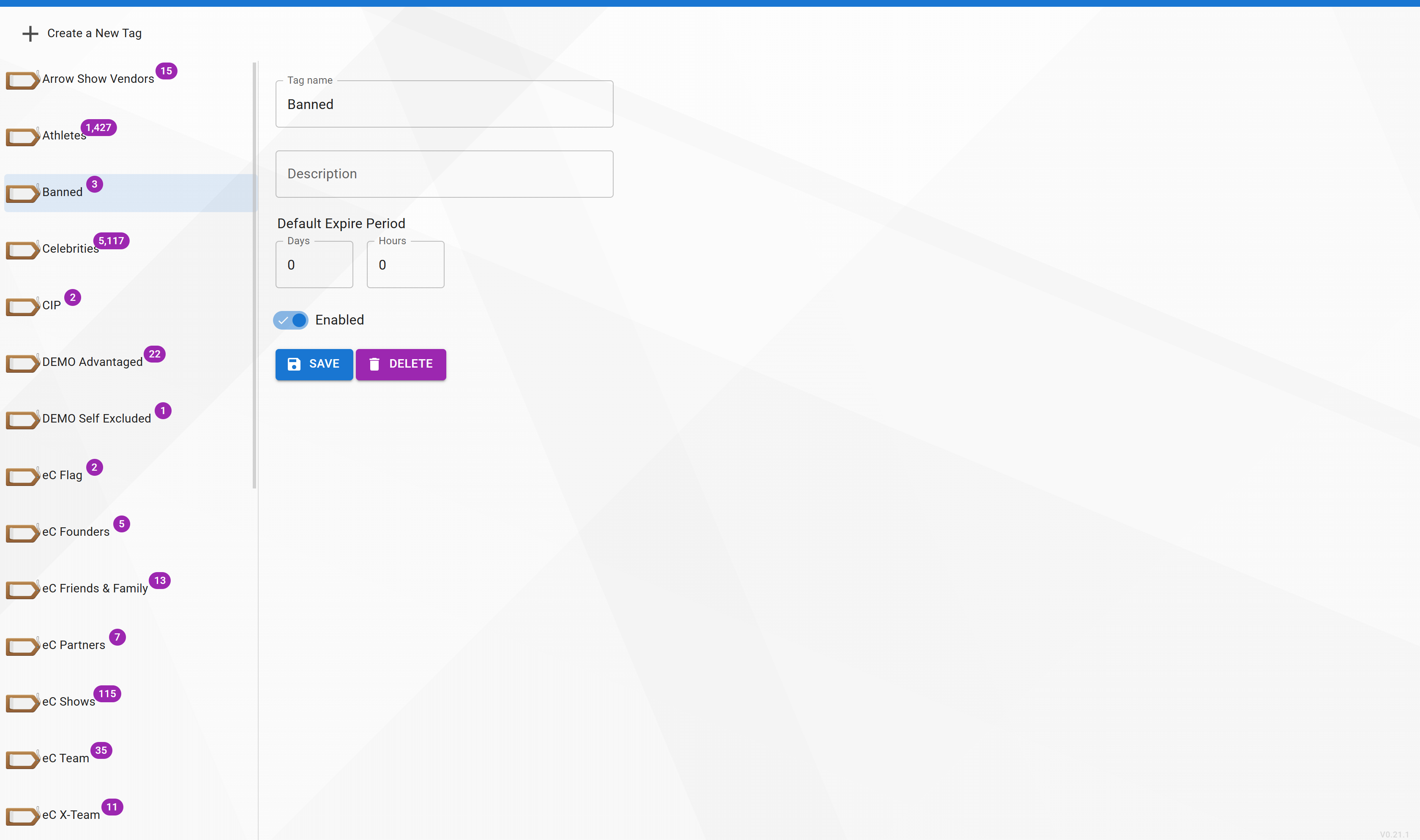
Tags are fine-grained labels that can be applied to identities. Where collections answer "who is this person?", tags answer "what's true about them right now?" — things like VIP, Banned, Member, Visitor, or Active.
Tags can carry an expiration — after which the tag automatically stops applying. This is useful for temporary states like an 8-hour visitor pass or a 30-day trial membership.
Menu path: System → Manage Tags (requires any permission under the Tags category — Add Tags, Edit Tags, Delete Tags, or Read Tags).
Detailed Guide Coming Soon
A full walk-through of tag creation, the tag tree view, and expiration policies is currently being written.
Contact eConnect support at support@econnect.tv or call 702-523-8786 for help configuring tags.