Users & Roles
The System settings page manages the user accounts that can sign in to Identities and the roles that grant them permissions.
Menu path: System → System settings (requires any permission under the Users category — Add Users, Read Users, Edit Users, Delete Users — or under the Roles category — Add Roles, Read Roles, Edit Roles, Delete Roles).
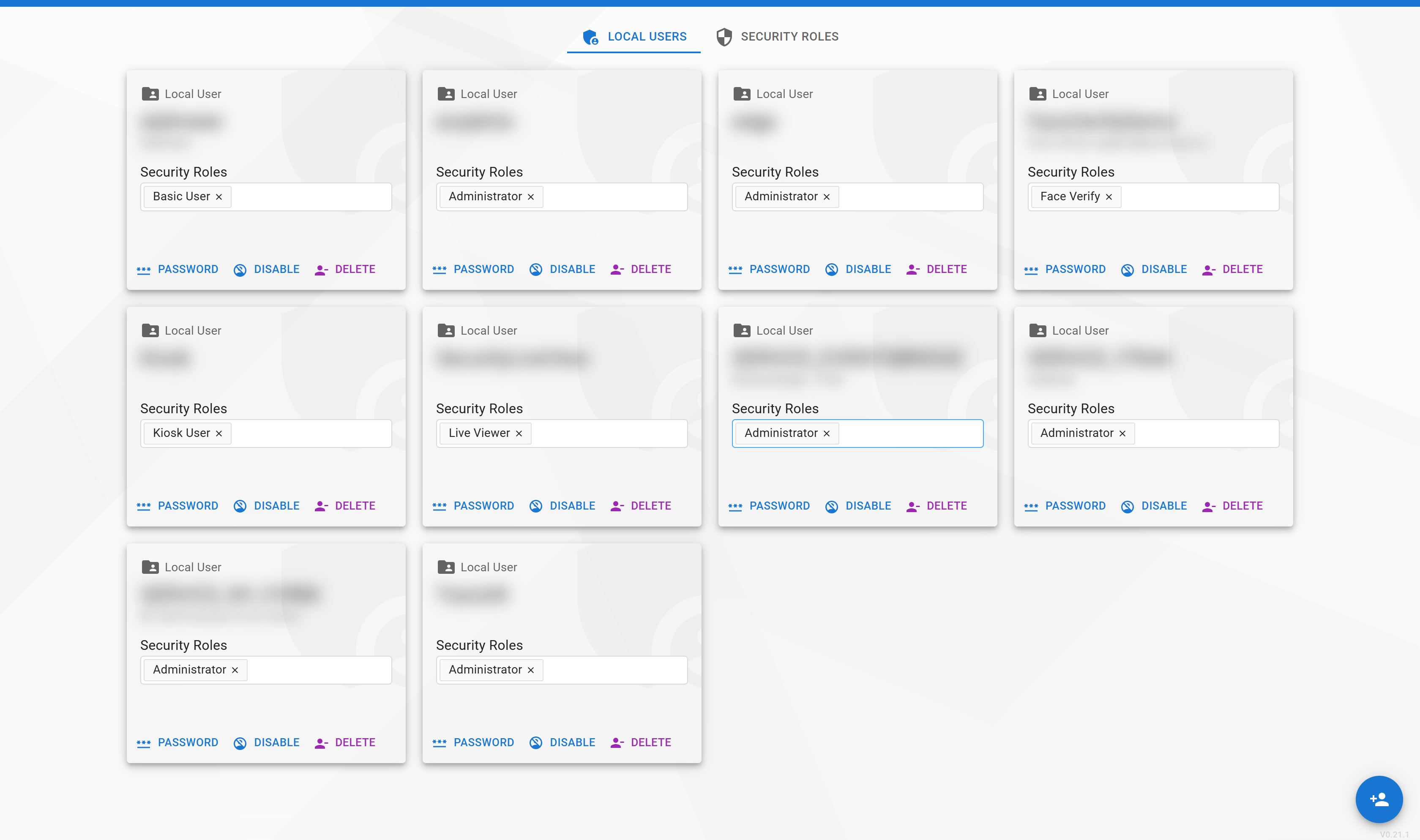
Detailed Guide Coming Soon
A full walk-through of user creation, role assignment, and permission management is currently being written. See Signing In → Permissions for a reference of every permission and what it grants.
Contact eConnect support at support@econnect.tv or call 702-523-8786 for help configuring users and roles.