Cloud Portal
eConnect Cloud Portal
Your central dashboard for accessing all eConnect cloud applications. Sign in at econnectcloud.com to view and launch your applications — Identities, eClear, Face Recognition, and more.
Single Sign-OnApp LauncherUser Access ManagementCloud-Hosted
Signing In to the Portal
When you first navigate to econnectcloud.com, you will need to sign in to access your applications.
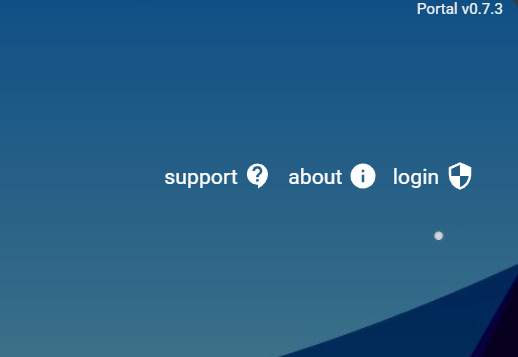
- Click the Login button in the upper-right navigation bar
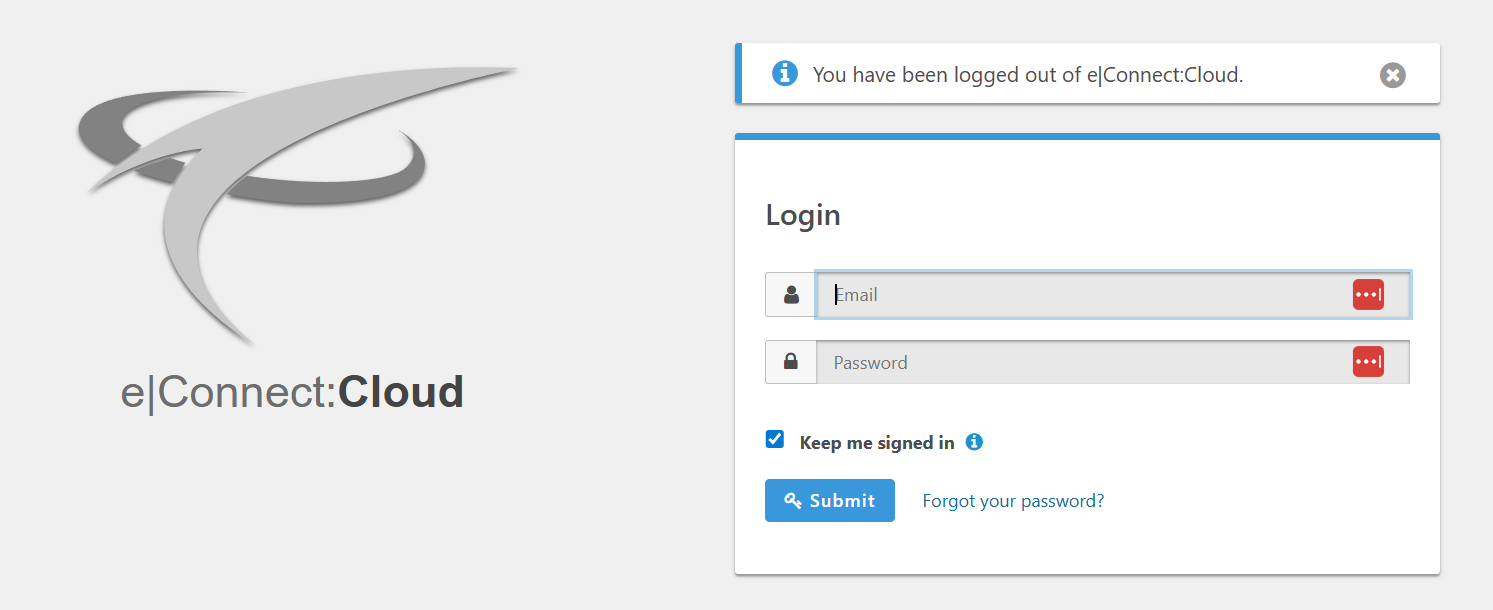
- You will be redirected to the eConnect Single Sign-On page
- Enter your credentials to authenticate
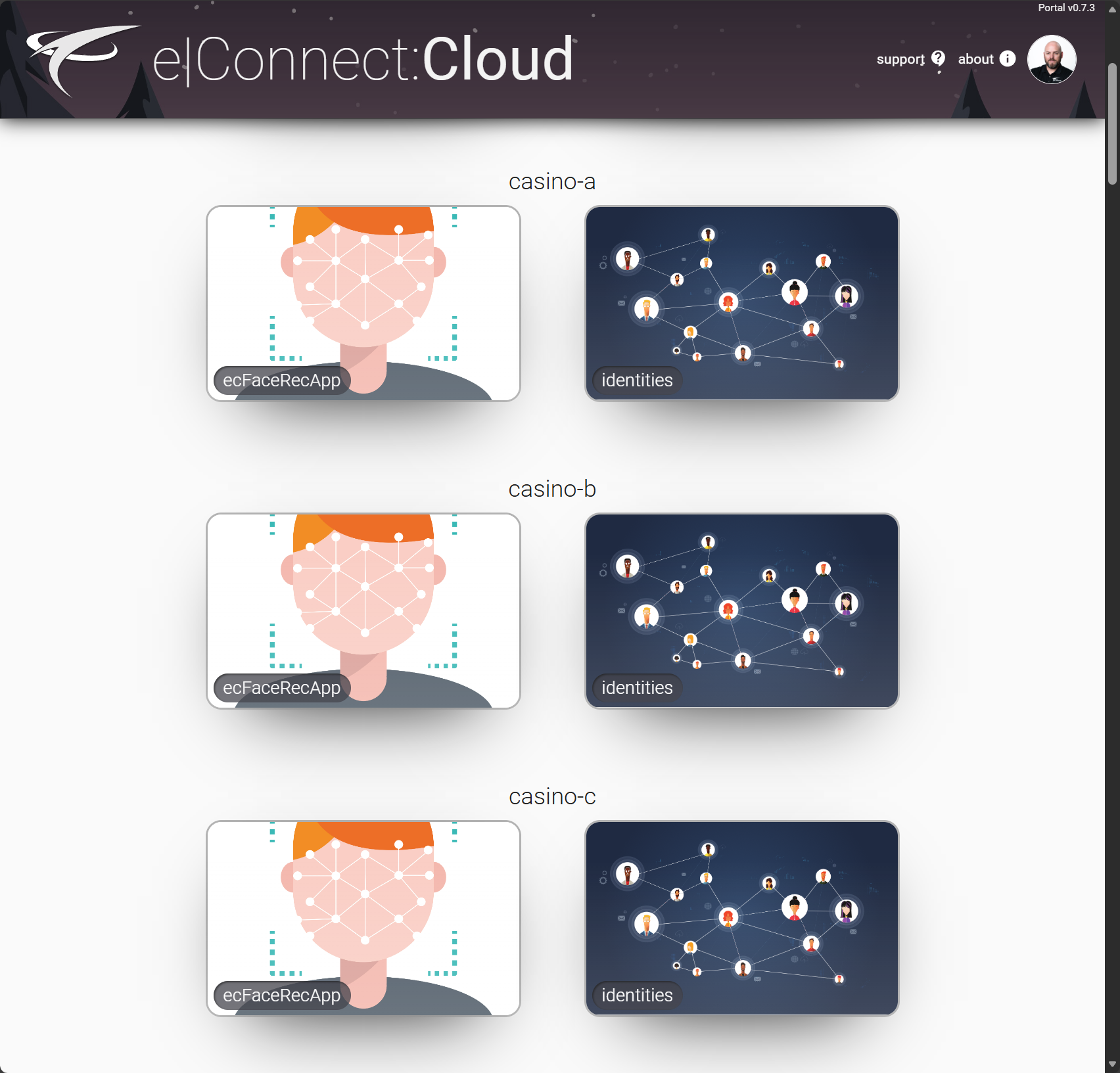
- After successful sign-in, you will be redirected back to eConnectCloud.com where you will see all applications you have access to
Launching Your Applications
Once signed in, the Cloud Portal displays all applications you have been granted access to. Simply click on an application icon to open it:
- Identities - Facial Recognition Platform - Identity Management tied to Face Recognition Services
- eClear - Face Management for Access Control / Time & Attendance
- Face Rec - eConnect Facial Recognition Management
- And other applications based on your assigned permissions
Managing User Access
If you have been granted access management permissions, you can manage users and their access to applications.
Next Steps
Once you're familiar with the Cloud Portal, explore the specific application user guides: