eConnect Core
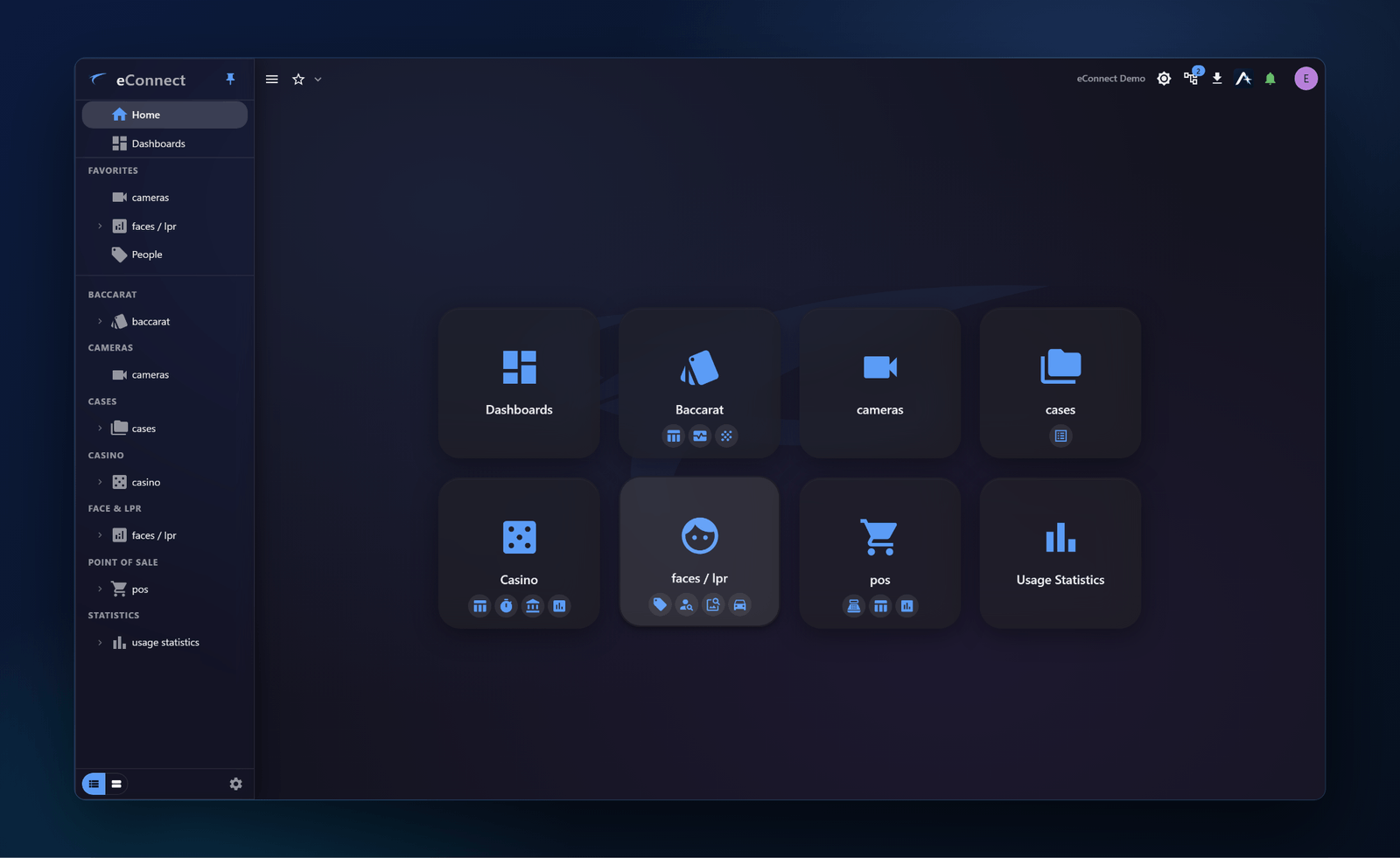
The eConnect Windows application is the central command interface found in security and surveillance rooms across casinos, retail environments, and corporate offices. Monitor activity, manage alerts, and control your security operations from one place.
Getting Started
Sign in to the eConnect application using your assigned credentials. On first launch you are asked to authenticate against your organisation's eConnect server, and Home then shows a tile for every module you are licensed for.
New to version 11, or coming from version 10? The eConnect Core User Manual covers the whole application — what's new in 11, your first ten minutes, and every module and setting in detail.
What You Can Do
Upload an image or capture a frame to instantly search for matching identities across your database.
Monitor live face and LPR detection feeds with filtering by location, tag, and category.
View and acknowledge real-time security alerts. Configure thresholds and escalation paths.
Generate operational reports, export detection logs, and drill into historical event data.
Enroll, tag, and manage face and identity profiles directly from the interface.
View live camera feeds and associate detection events with specific cameras and locations.