Live Monitor
A real-time wall of face detections from every camera on your site. Red / yellow / green overlays give the operator the same visual feedback the customer sees at a Face Verify kiosk — so security staff know instantly whether to step in.
What Live Monitor Does
Live Monitor is the Identities app's operator view of everything happening in front of your cameras right now. As each face is detected and matched on the server, a card animates into the grid with the person's photo, name, tags, custom fields, and a timestamp.
When a detection carries an EventClassification attribute (set by your rules engine — typically Node-RED), Live Monitor colors the card using a matching Event Theme. That same classification drives the color a customer sees at the Face Verify kiosk, so both sides of the transaction see the same signal.
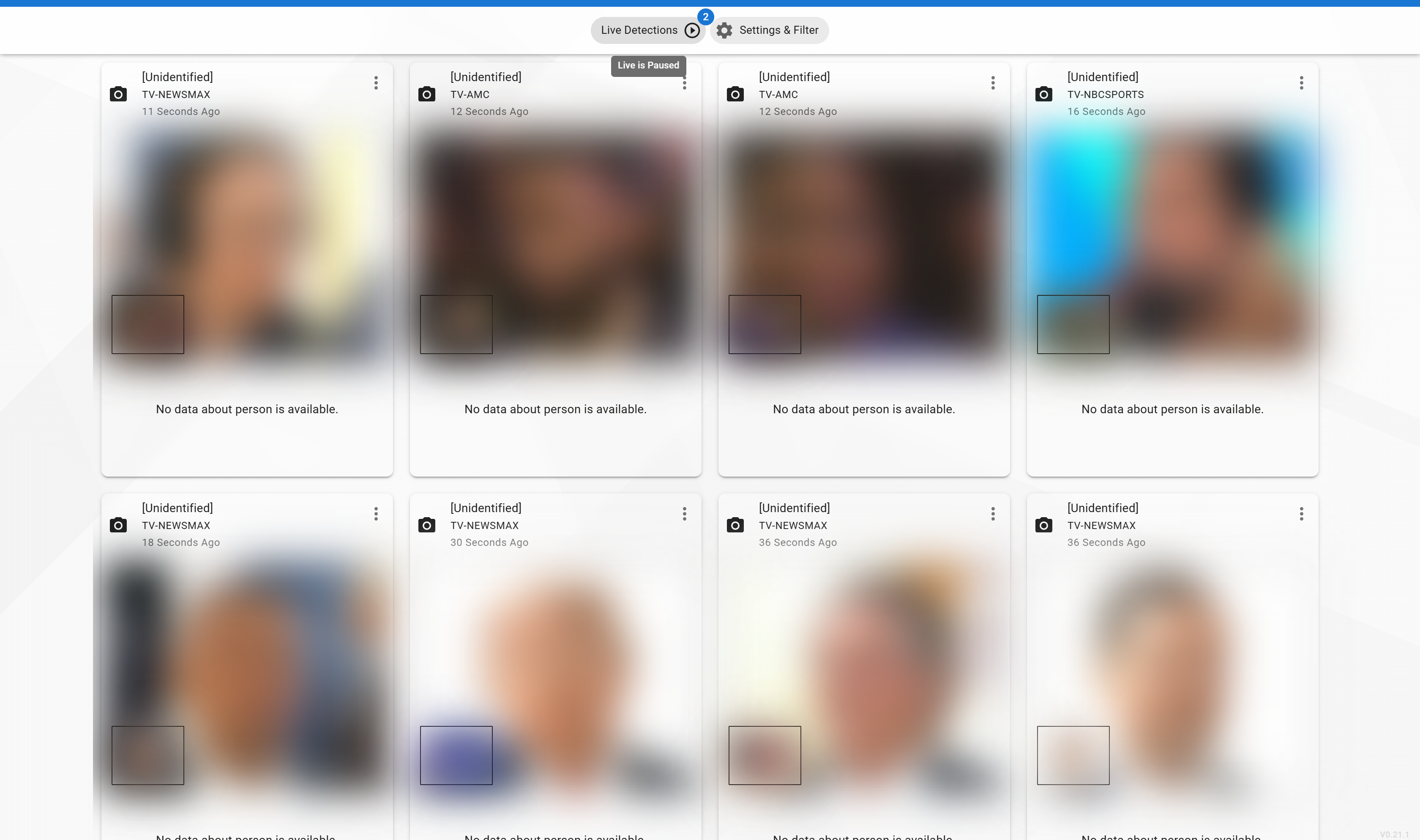
The detections above arrive without an EventClassification, so each uses the neutral default card. When a classification is present, the matching Event Theme tints the card green, yellow, or red. Faces are blurred here for privacy.
The Operator Side of Red / Green Light
The kiosk keeps customer-facing messages friendly — "Welcome" or "Please check in with security" — without ever showing why. Live Monitor is where staff see the full picture, so they can respond appropriately without the customer knowing the underlying classification.
Customer was welcomed at the kiosk. Operator sees a green card confirming the greeting was issued — no action needed.
A soft check-in was requested. Operator sees a heads-up that someone will be walking up to the security podium — typically a new visitor or routine check-in.
A firmer check-in was issued. Operator sees a prominent red card with the underlying reason (watch list, denied, etc.) — enough context to intervene before the customer proceeds, without that reason ever being visible to the customer.
Combined with a Face Verify kiosk, this gives a complete loop: the customer sees one color on the kiosk, and the operator sees the same color on Live Monitor — everyone has the same awareness at the same moment.
Getting There
Menu path: Main → Live Monitor (requires Live Monitoring → Live Monitor Viewer).
Key Capabilities
Filter detections by detector (camera), identity collection, tags, and which custom fields to display on cards.
Color, Icon Alert, and Festive themes tied to EventClassification values give each situation a distinctive look.
Operators can pause the feed to review a detection, then resume — queued detections animate in when play resumes.
Open the Person Editor from any card. Quick-action tag buttons let you label a detection in one click.
Hide menus, lock down controls, and deploy Live Monitor as a full-screen operator dashboard — restored from an encrypted URL.
Your filters, themes, and layout are saved in the browser and come back automatically the next time you load the page.
Configuration Guides
Detectors, Tags, Collections, and visible Data Display fields.
Color, Icon Alert, and Festive theme types — tied to EventClassification values.
Pause/play, max items, hide name / detector, and inline edits.
Hide menus, generate encrypted URLs, and deploy to locked-down devices.