Custom Fields
Configured Fields are custom attributes your administrator can define on top of the built-in identity properties. Once configured, they appear on every identity's editor and can be filtered on in Search and Live Monitor.
Typical examples: member number, department, rank, loyalty tier, or any property unique to your business.
Menu path: System → Configured Fields (requires an appropriate permission under the Identity Entity Fields category — for example Identity Fields with Add / Read / Mutate / Delete access).
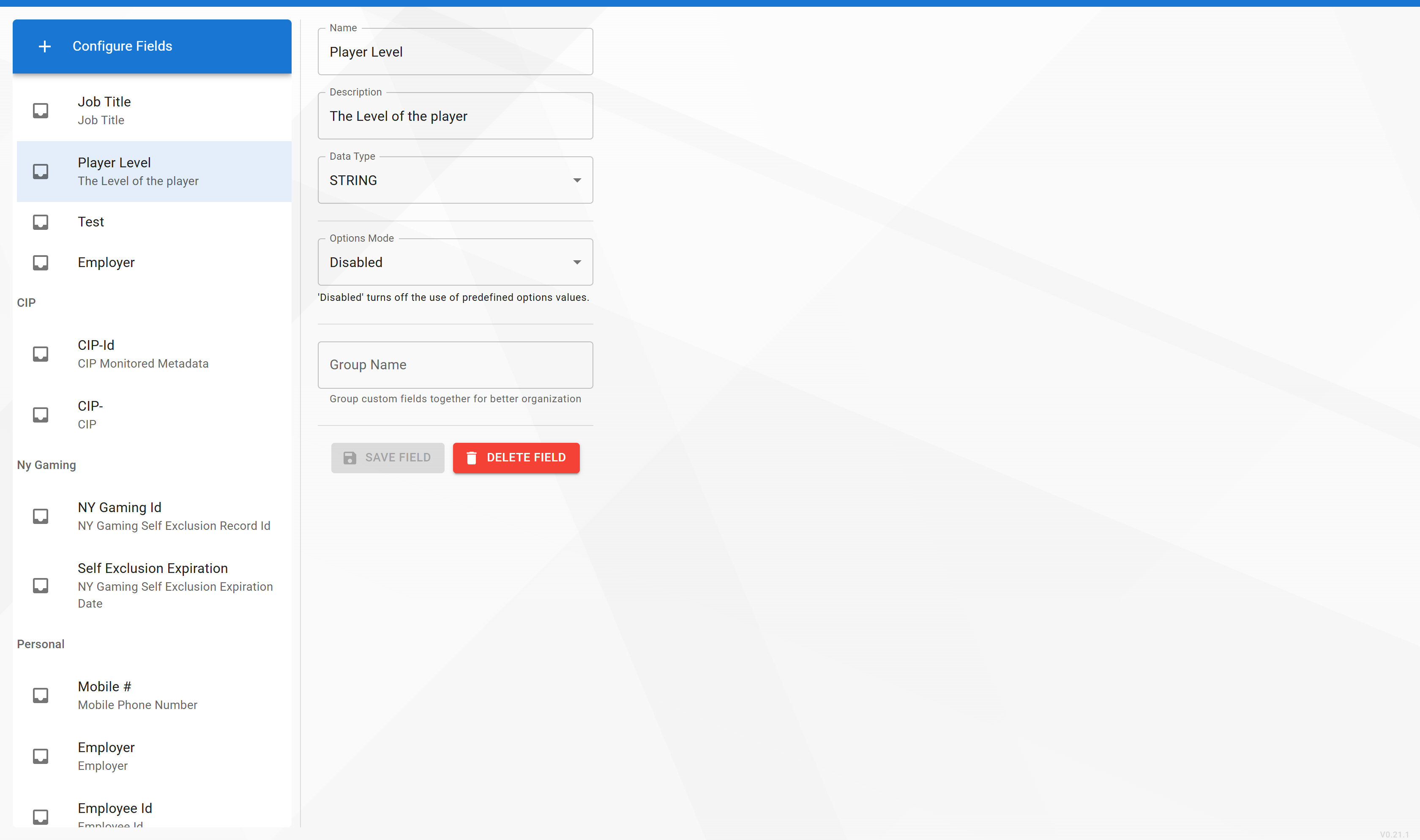
A full walk-through of defining, editing, and removing custom fields — including field types and validation — is currently being written.
Contact eConnect support at support@econnect.tv or call 702-523-8786 for help configuring custom fields.