Copying a Query to Another Module
The same question often applies in more than one place — "everything at the north entrance yesterday" makes sense for faces, plates and transactions alike. Copy to Module… carries a query across instead of making you rebuild it.
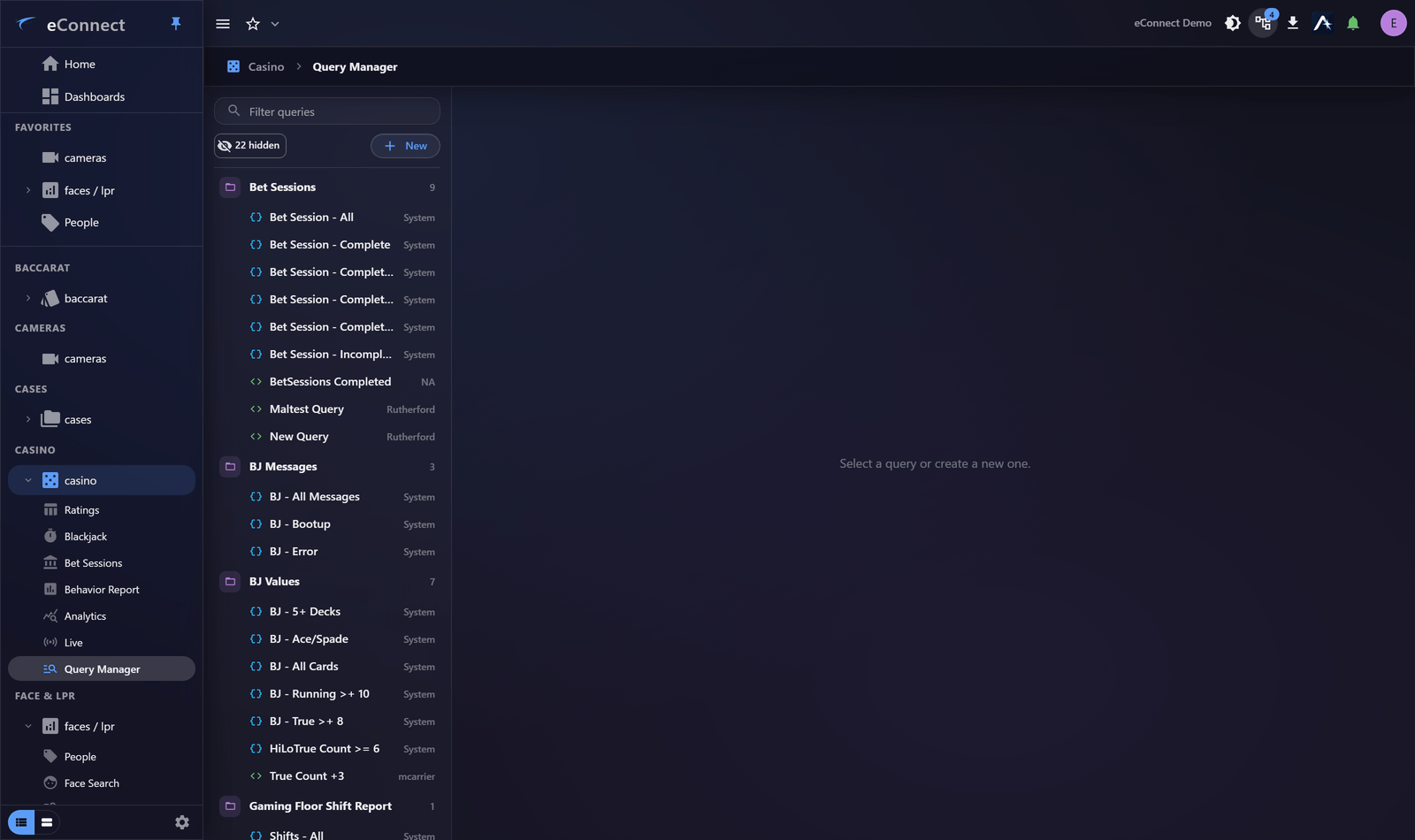
Copying
From the Query Manager, choose Copy to Module… on the query and pick the destination. A copy is created there, leaving the original untouched.
The copy is independent from that point. Editing one does not change the other, which is what you want — the two modules will drift apart as each is refined.
What carries across, and what cannot
Modules hold different data, so fields do not always have counterparts.
| Behaviour | |
|---|---|
| Fields both modules have | Carried across with their conditions |
| Fields only the source has | Cannot be carried; that condition needs replacing |
| Structure | Groups and nesting are preserved |
| Date range | Carried across |
Common concepts — time, location, detector — usually map cleanly. Module-specific ones do not: a point-of-sale check number has no meaning among face detections.
Always check the copy
Open the copied query and run it before relying on it. A copy that lost a condition will return more than the original, not fewer records, and that is easy to miss because it still looks like a working query.
Two things to confirm:
- Every condition you expected is present.
- The row count is plausible for the new module.
Rename it
A copy arrives with the original's name, which quickly becomes confusing across modules. Rename it to say what it returns here — the name is what colleagues navigate by. See The Query Manager.
When rebuilding is better
Copying suits queries whose structure is the valuable part — complex grouping, careful exclusions, nested conditions. A query that is two filters and a date range is faster to rebuild than to copy and repair.
Copying is also the wrong move when the modules answer genuinely different questions that merely sound alike. A "voids" query in point of sale and a "voids" concept elsewhere may share a word and nothing else.
Where copies come from
The copy behaves like any query in its new home: it can be run, edited, saved, disabled, used by a dashboard widget, and read by the Ace.